

Benefits of gradual WordPress theme migration
Modernize your WordPress theme one ready section at a time.
A gradual theme migration keeps the active theme responsible for content that is not ready while selected routes use the redesigned theme. It turns one large cutover into a sequence of smaller, reviewable release decisions.
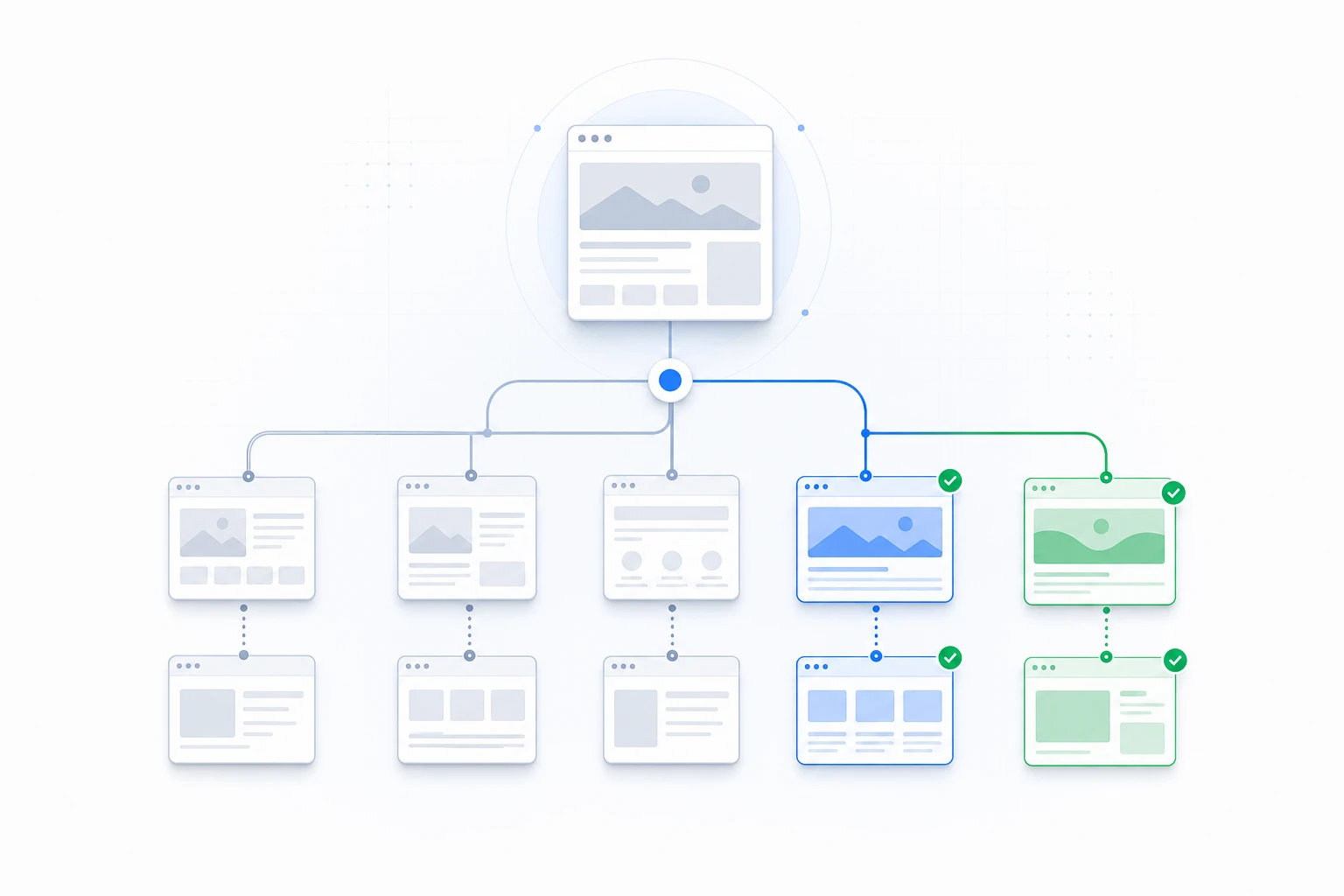
The migration model
What is gradual WordPress theme migration?
Gradual theme migration is a release strategy that moves bounded content areas to a redesigned theme in stages. The existing active theme remains available for everything outside the enabled routes.
The strategy is useful when a site has unfamiliar legacy behavior, custom templates, editorial dependencies, WooCommerce flows, or business constraints that make an all-at-once switch difficult to validate.
ThemeRouter provides the routing, private preview, route-state, Menu Sync, and configuration-transfer controls. Your team remains responsible for compatibility, accessibility, content, SEO, performance, analytics, and business acceptance.
Why teams choose a gradual approach
Six practical benefits for complex WordPress projects.
Smaller release boundaries
Teams can define one page, post type, taxonomy, or supported application area as the next migration unit instead of changing the entire frontend together.
Clearer investigation
When a problem appears after enabling one route, the changed scope is narrower and easier for the delivery team to reproduce and investigate.
Private review on current content
Authorized users can review an installed theme on the selected route before the assignment is enabled publicly.
Staged investment
Budget and delivery capacity can be assigned to a sequence of content areas. This supports staged investment; it does not guarantee a lower total migration cost.
More focused approval
Stakeholders review a bounded experience with explicit acceptance criteria instead of trying to approve every template and dependency in one window.
Pause and fallback controls
Pausing or removing an assignment returns that route to the active-theme fallback. It changes routing, not unrelated content or configuration work.
A repeatable migration loop
Prepare, preview, enable, validate, and decide.
1
Prepare a bounded section
Choose content with understood templates, dependencies, owners, and acceptance criteria.
2
Create and preview the route
Assign the installed theme, keep the route in draft, and use private preview for authorized review.
3
Enable and validate
Enable the route and use your existing analytics, SEO, performance, accessibility, and business checks.
4
Expand or pause
Add the next ready route, or pause the current assignment and return it to the active-theme fallback.
Staging to production
Move tested ThemeRouter settings deliberately.
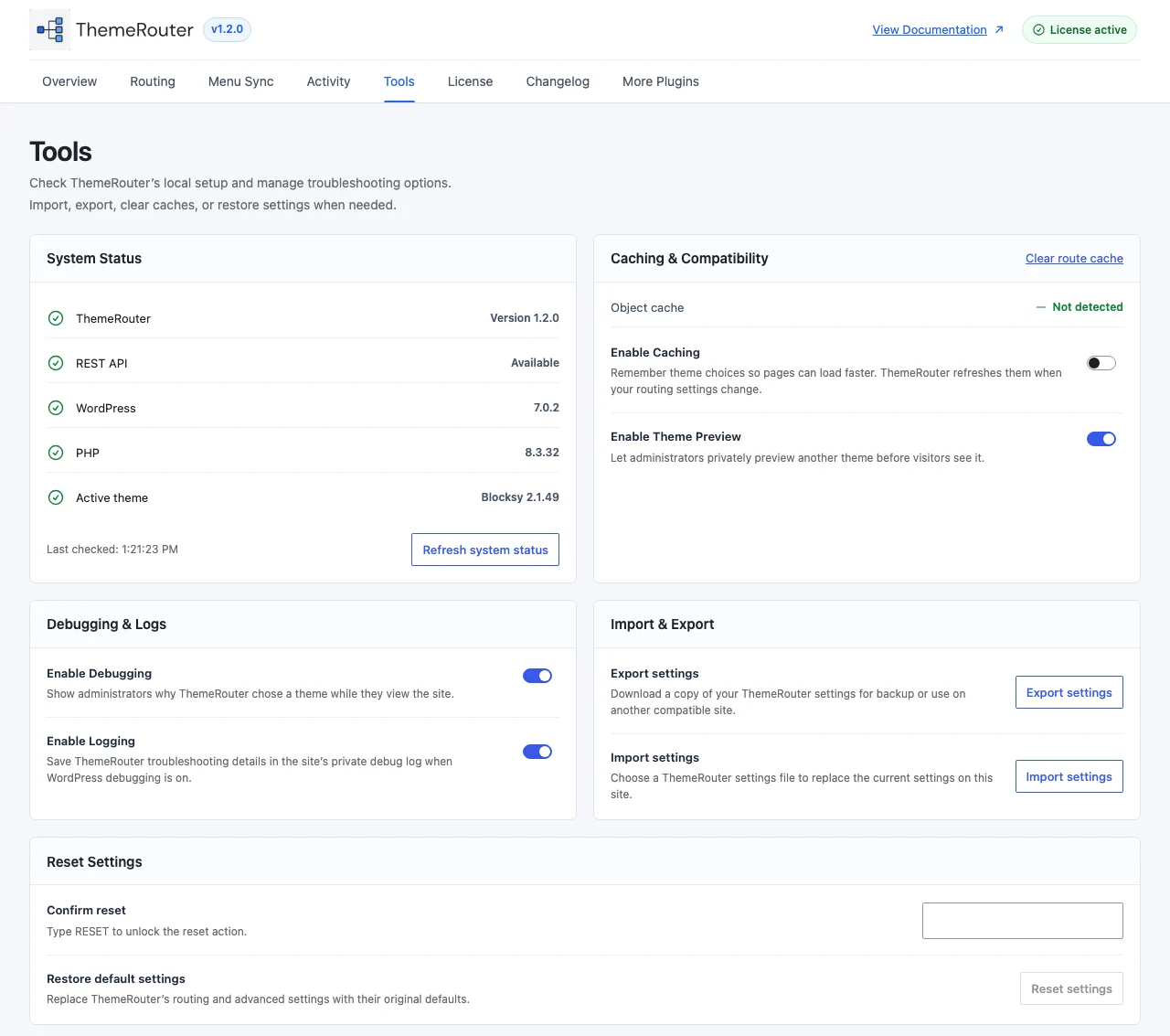
The Tools screen exports and imports a versioned ThemeRouter configuration. Use it to move supported settings after testing, then confirm that required themes and site-specific dependencies exist in the destination environment.
The export is not a site migration. It does not move WordPress content, themes, uploads, or unrelated plugin settings.
Gradual theme migration questions
No. A generic switcher usually changes the active theme for the whole site or for a viewing session. ThemeRouter assigns installed themes to supported WordPress routes as part of a controlled migration workflow.
No. It narrows release scope and gives teams route controls, but compatibility, content, accessibility, SEO, performance, analytics, and operational risks still require testing and ownership.
No. It lets teams sequence budget and delivery capacity around ready sections. Total cost still depends on the themes, content, integrations, testing requirements, and project scope.