

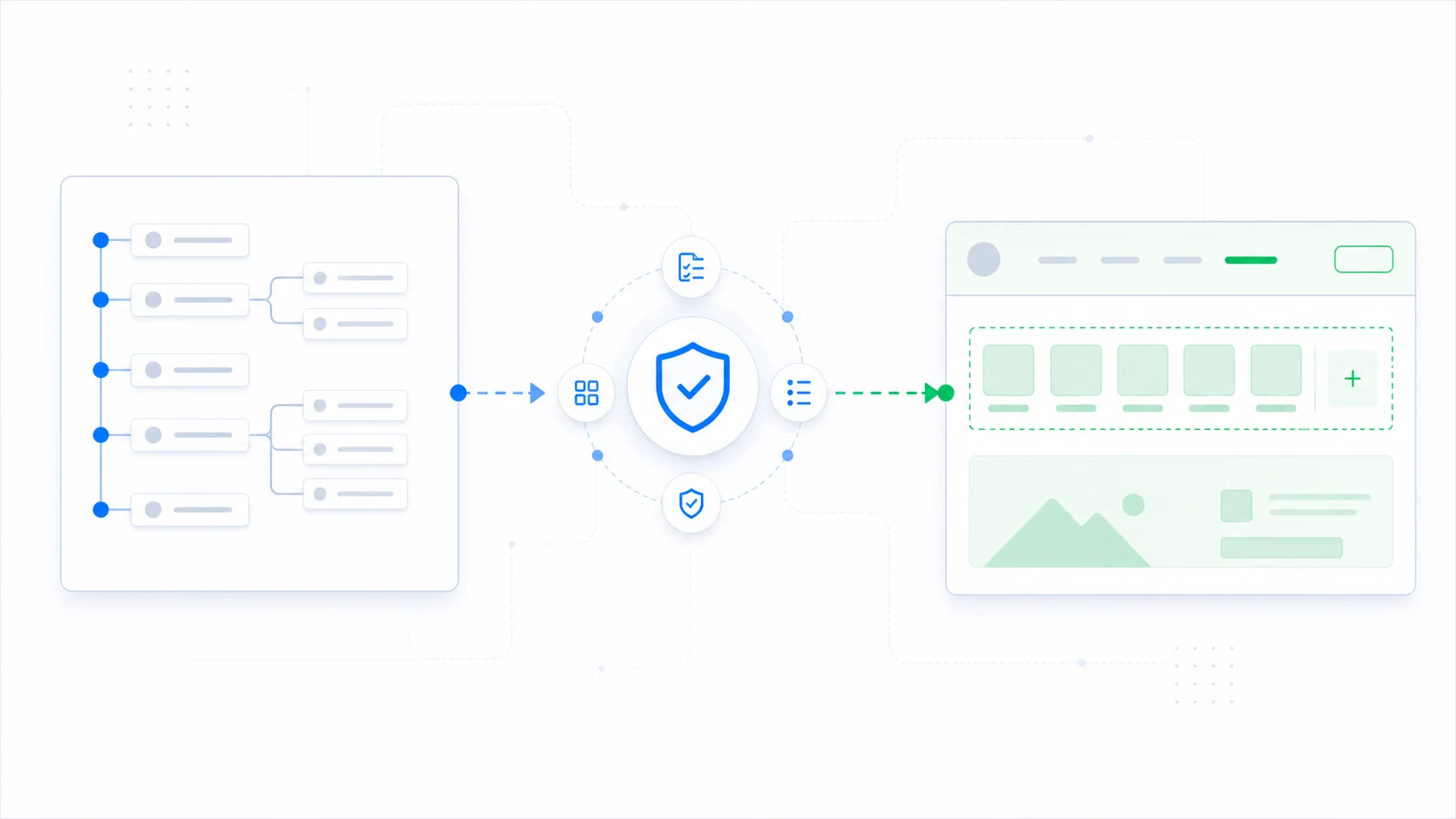
How to Migrate a Classic WordPress Menu to Block Navigation
Plan and review the transition from a classic WordPress menu to block navigation during a gradual theme migration.
ThemeRouter journal
Migration strategy, routing decisions, release safeguards, and product updates for teams modernizing complex WordPress sites.
Plan and review the transition from a classic WordPress menu to block navigation during a gradual theme migration.

A WordPress “theme switcher” can mean three different things: previewing another installed theme for an authorized user, activating a theme for the whole site,…
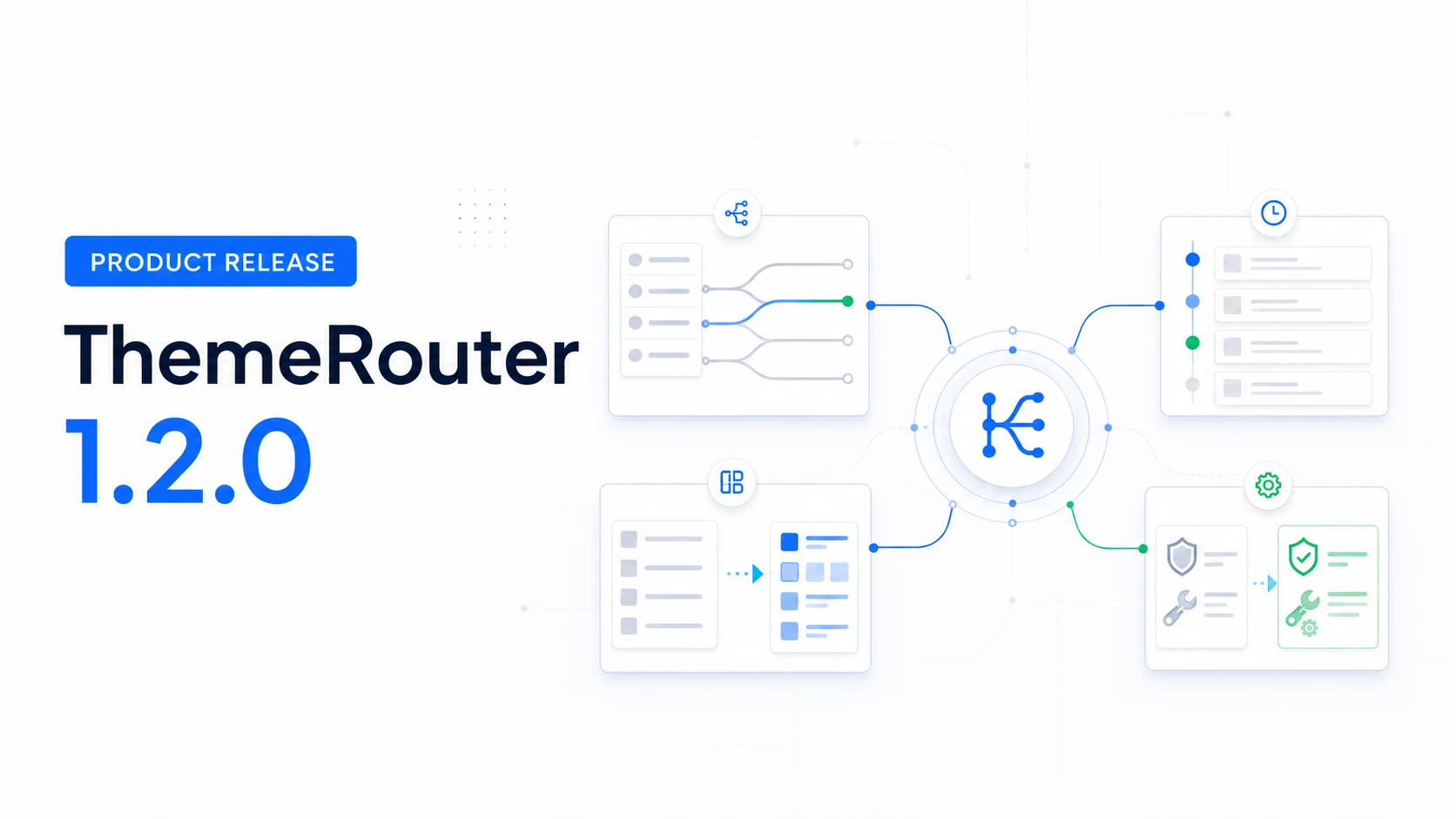
ThemeRouter 1.2.0 brings routing, activity, Menu Sync, diagnostics, and configuration tools into a clearer migration workspace.
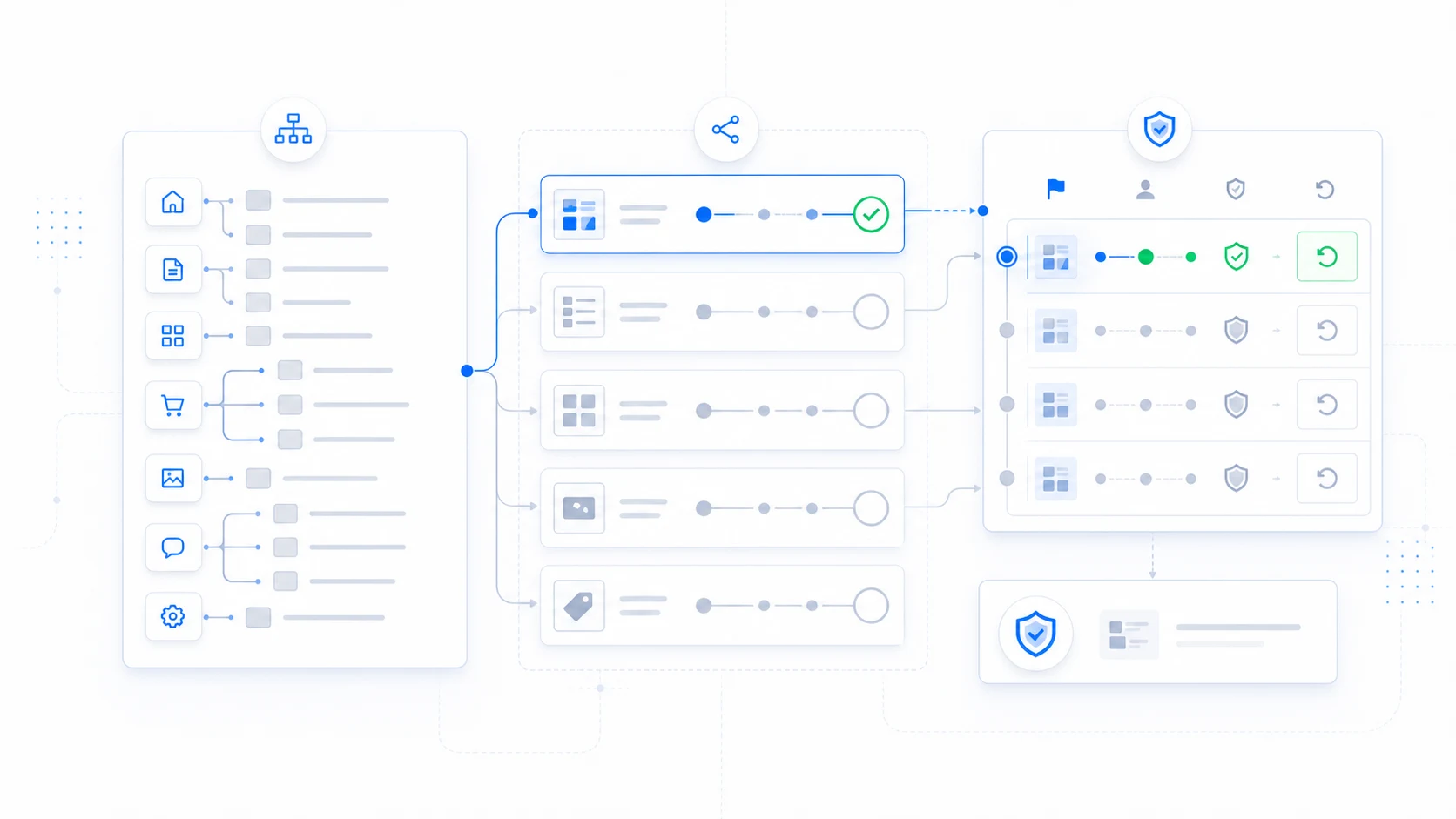
Create a practical route map, acceptance criteria, ownership model, and fallback plan before beginning a gradual WordPress theme migration.
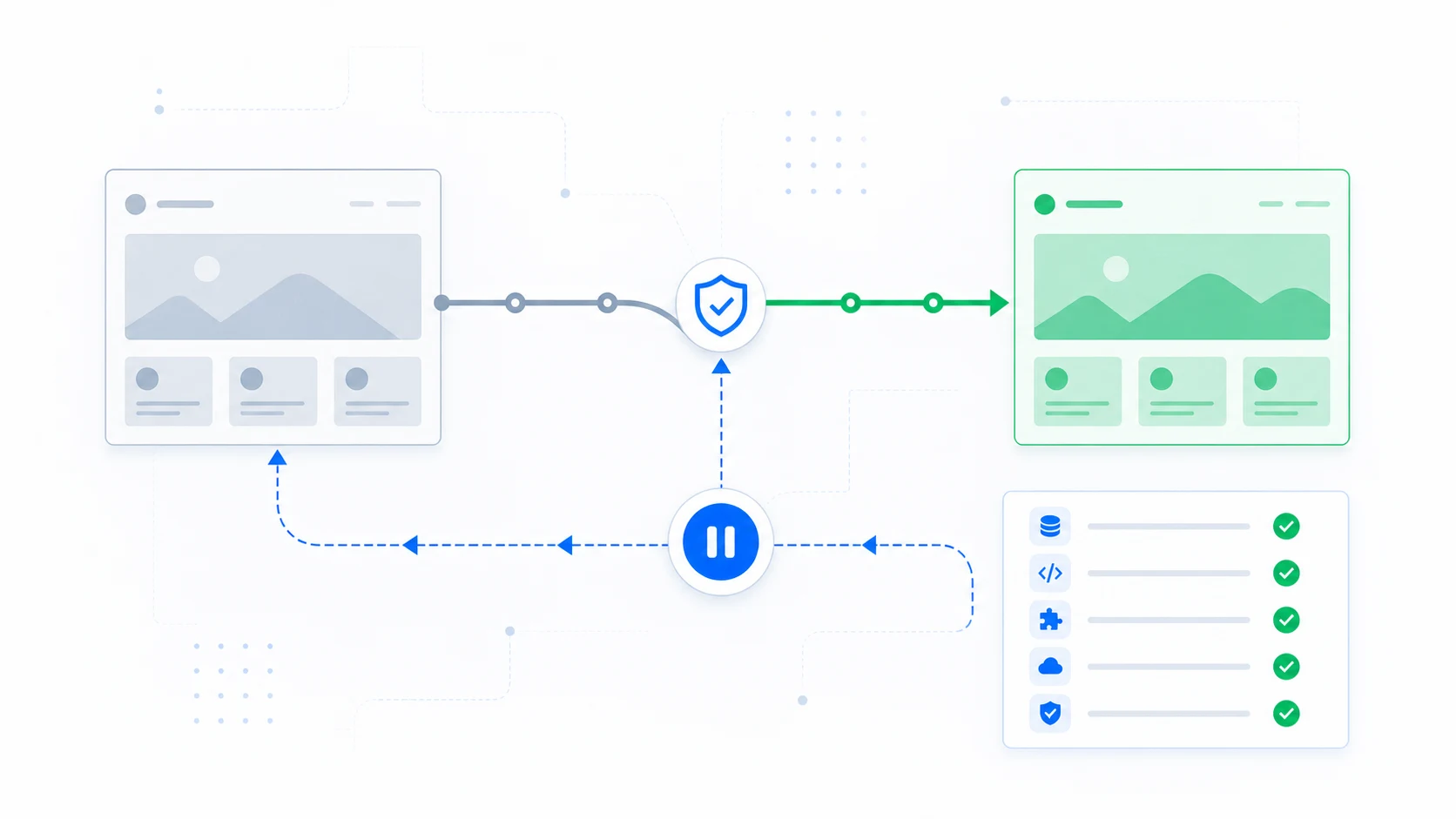
Define rollback ownership, stop conditions, route records, cache actions, and verification before a theme change reaches visitors.
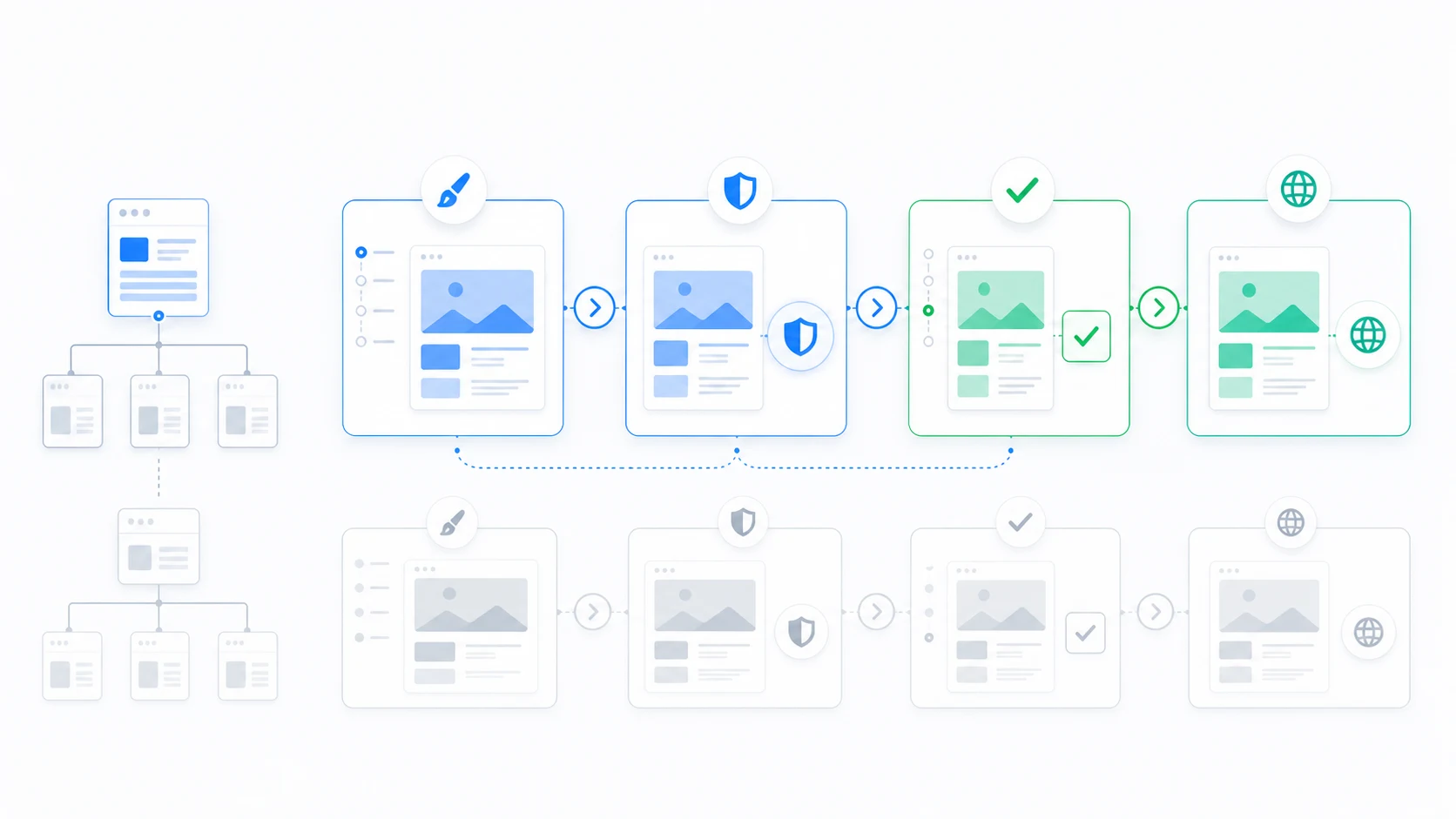
Give clients structured, route-specific design reviews with clear acceptance criteria and fewer risky launch-day surprises.
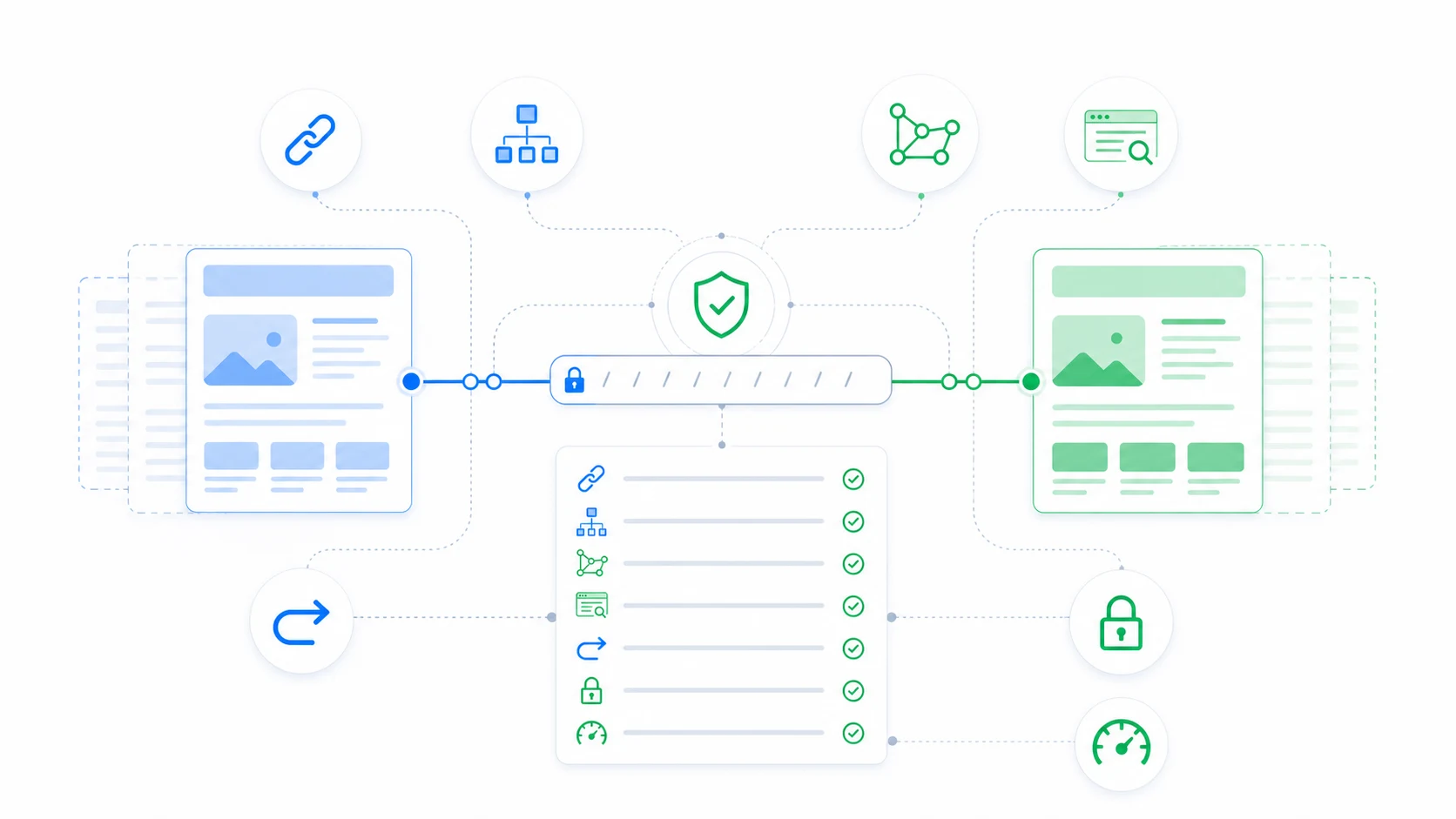
Protect crawlability, canonicals, metadata, schema, headings, internal links, performance, and measurement during a theme migration.
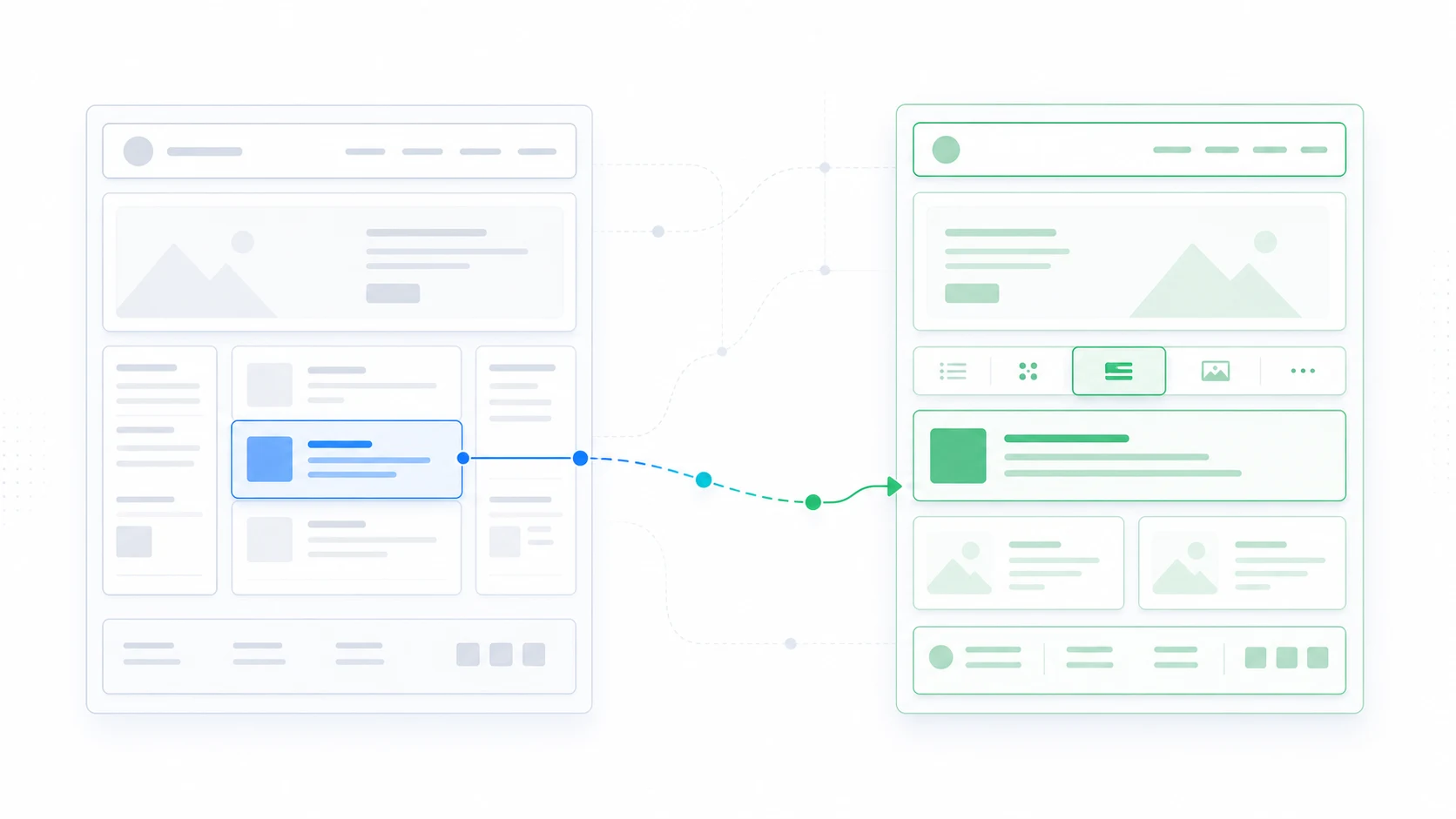
Plan the transition from classic templates, menus, widgets, and Customizer settings to block templates and Global Styles.
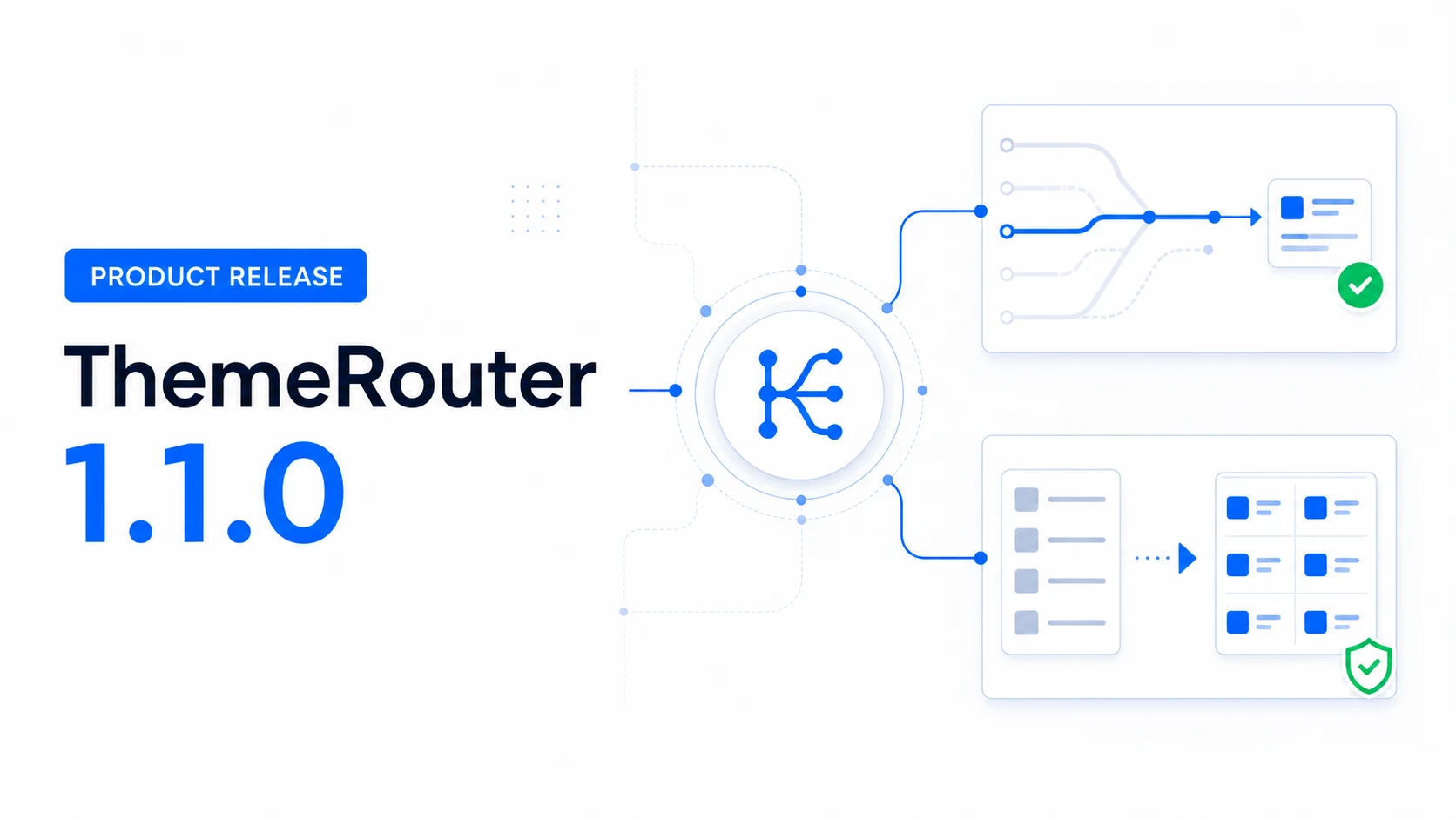
ThemeRouter 1.1.0 strengthens route resolution, Menu Sync preflight checks, settings clarity, diagnostics, and release safeguards.
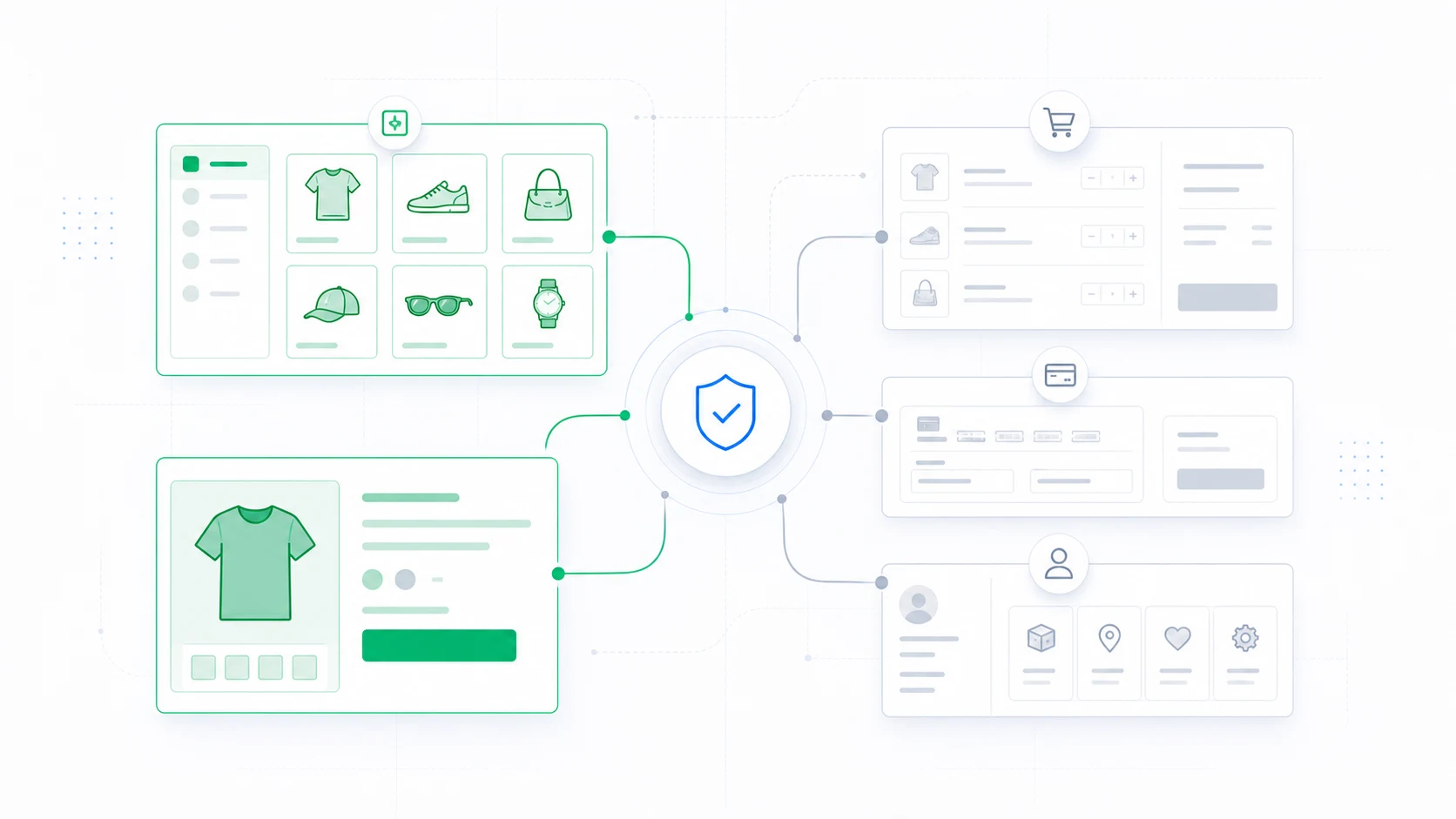
Sequence a WooCommerce redesign from product discovery to checkout while protecting revenue-critical customer flows.
Use the product documentation for installation, route configuration, and preview workflows.
Learn the four-step model for assigning, previewing, measuring, and expanding routes.
Send the route, themes, environment details, and exact result to ThemeRouter support.