

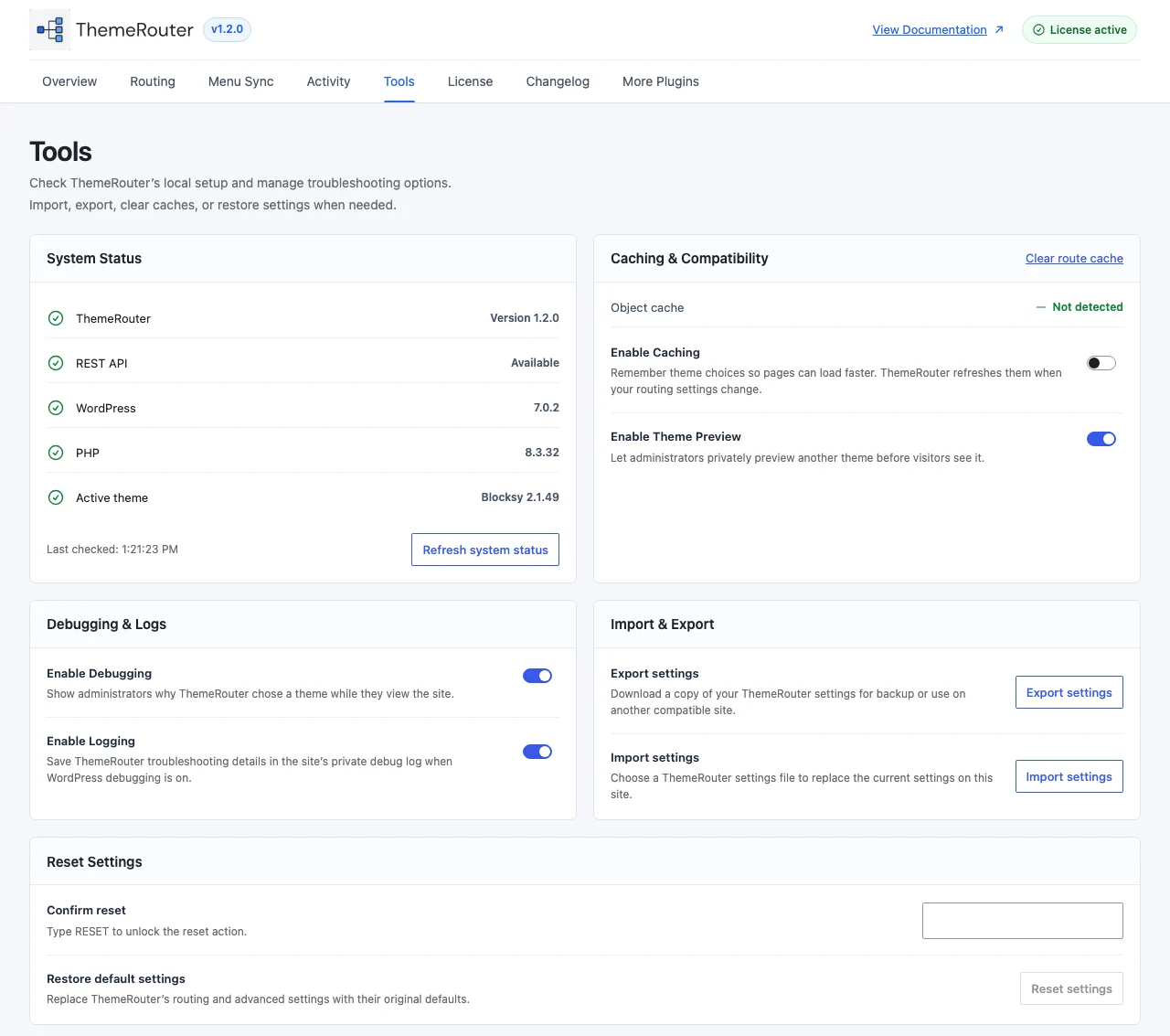
ThemeRouter includes separate logging and frontend debugging controls. Use them temporarily when a route selects an unexpected theme or when a cache obscures a settings change.
Enable diagnostics
- Open Settings > ThemeRouter as an administrator.
- Enable logging when you need a persistent record of routing activity.
- Enable frontend debugging when you need to inspect the current request decision.
- Save the settings and reload the affected frontend URL.
Record the useful evidence
- Exact URL and whether the browser is logged in.
- Expected theme and actual theme.
- Matched resource type and saved assignments.
- Cache layers purged before the test.
- Debug output or relevant log entries.
Disable diagnostics after use
Frontend debug access is administrator-only by default, but diagnostic output should still be disabled when the investigation is complete. Avoid leaving verbose logging enabled on a busy production site.
Frontend debug access is administrator-only by default. Developers can further customize authorization with the themerouter_can_user_view_debug filter.