

When the expected theme does not load, first determine whether the problem affects a private preview, a persistent assignment, or both. These paths have different permission and cache behavior.
Check the basics
- Confirm the destination theme is installed and valid.
- Confirm the assignment was saved to the intended resource.
- Check whether a more specific assignment wins.
- Test the exact public permalink, not an editor preview URL.
- Purge page, object, browser, and edge caches.
If Preview Mode fails
- Confirm Preview Mode is enabled.
- Confirm you are logged in and can edit posts.
- Generate a fresh preview link instead of reusing an expired or altered URL.
- Check whether a security plugin strips or blocks the preview query parameter.
If a persistent assignment fails
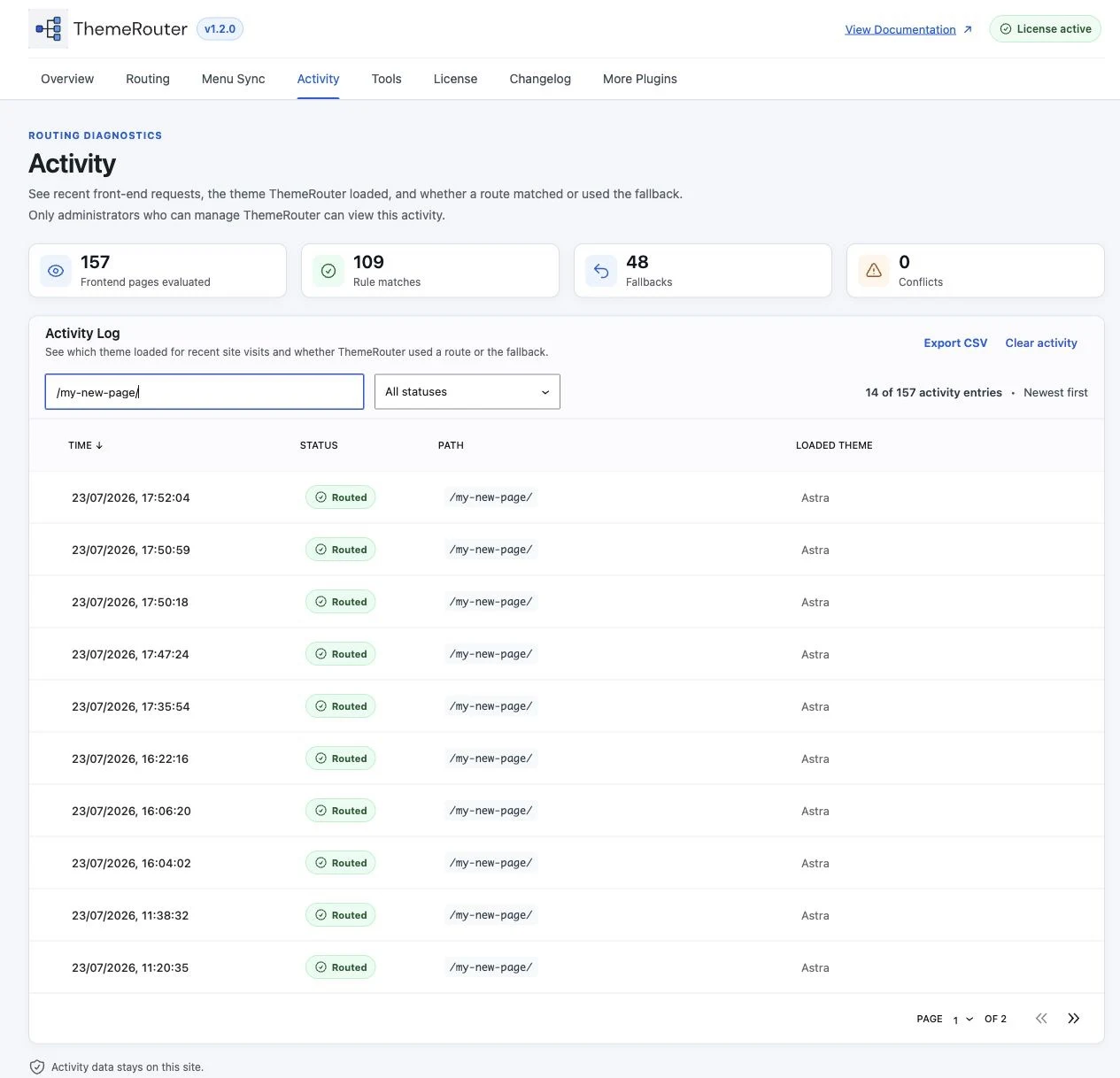
- Enable ThemeRouter debugging and inspect the winning decision.
- Resave WordPress permalinks if custom rewrites recently changed.
- Check for page, archive, and custom post type slug collisions.
- Temporarily bypass full-page caching for the affected URL during diagnosis.
Still seeing the wrong theme?
Collect the exact route, assignments, environment versions, and debug output before opening a support request.