


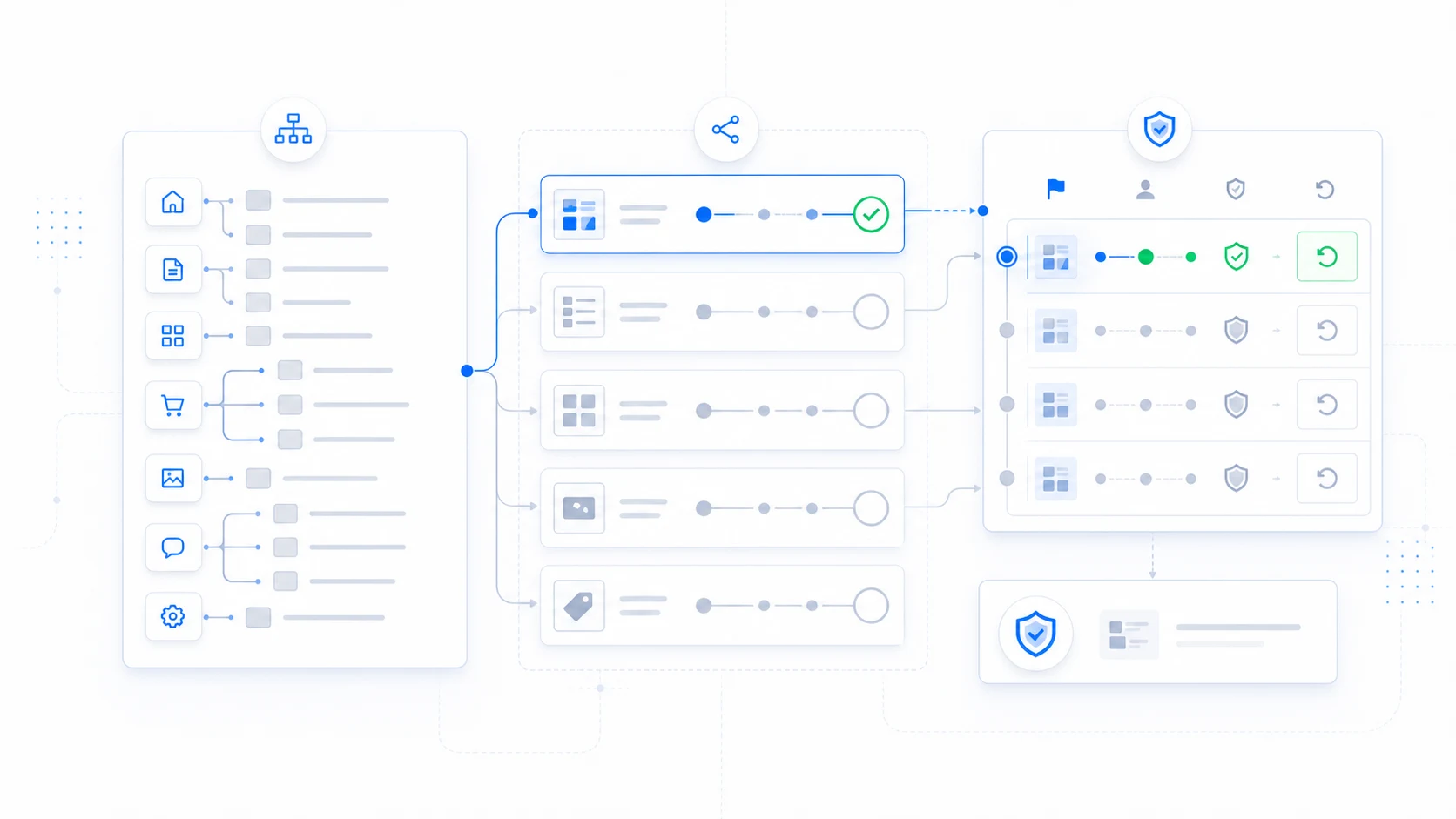
A route plan turns a large WordPress redesign into a sequence of reviewable releases. Before changing any public theme assignment, inventory the site, group related URLs, define what “ready” means, and record how each group returns to the active theme.
Start with a route inventory
A page count is not enough. WordPress renders several kinds of public requests, and one design can depend on another route that is easy to miss.
- Front page, posts page, search, and error templates.
- Individual pages and nested page paths.
- Post type singles and their archives.
- Taxonomy term archives.
- Author, date, and other archive contexts used by the site.
- WooCommerce catalog, cart, checkout, account, and endpoint routes where applicable.
- Plugin-owned public routes, forms, authentication, and account flows.
Turn the route plan into controlled assignments
ThemeRouter lets you prepare assignments in draft, preview the destination theme privately, and enable or pause each route as it passes review. Unmatched requests continue through the active theme.
Choose a complete migration boundary
The smallest route is not always the safest route. A single article may share a header, footer, navigation, related-content component, archive, search result, and structured-data implementation with other content.
Choose a boundary that can be tested as a coherent visitor journey. For example, a case-study migration may include the single template, case-study archive, relevant taxonomy pages, internal search appearance, and navigation entry.
Record priority and fallback
ThemeRouter evaluates specific assignments before broader rules and uses the active theme when no assignment matches. Document the expected winning rule for each representative URL.
- Representative URL.
- Content owner and technical owner.
- Expected assignment and destination theme.
- Broader rules that could also match.
- Active-theme fallback result.
- Cache purge and verification steps.
Define acceptance criteria before preview
Preview is useful for finding problems, but it is not the acceptance criteria itself. Write down what must be true before a route can be enabled.
- Templates and responsive layouts render the intended content.
- Keyboard and screen-reader interactions remain usable.
- Navigation, breadcrumbs, search, forms, and authentication behave correctly.
- Canonical URLs, titles, descriptions, headings, and structured data are reviewed.
- Analytics, consent, performance, and cache behavior are verified.
- The active-theme fallback is tested after pausing the assignment.
- The business or content owner has approved the bounded release.
Plan staged investment and ownership
Gradual migration lets a team fund and deliver ready sections in stages. It is not a guarantee that the total project will cost less. The benefit is that budget and review can be attached to defined route groups instead of one unresolved site-wide launch.
Assign an owner to every migration group. That owner decides when a route is ready, reviews evidence, coordinates dependencies, and records whether the next route can begin.
Use a migration register
A simple register prevents route decisions from living only in meetings or individual memory.
- Planned: scope and dependencies are known.
- In development: destination templates and configuration are being prepared.
- In private review: representative URLs are under review.
- Ready: acceptance criteria and ownership approvals are complete.
- Enabled: the public route is active and under observation.
- Paused: the route has returned to active-theme fallback.
- Complete: the migration group no longer needs transitional routing.
Migrate your WordPress theme one route at a time
Use ThemeRouter to preview an installed theme privately, enable selected routes when they are ready, and keep the active theme as the fallback elsewhere. Yearly plans include a 14-day free trial.
Leave a Reply