


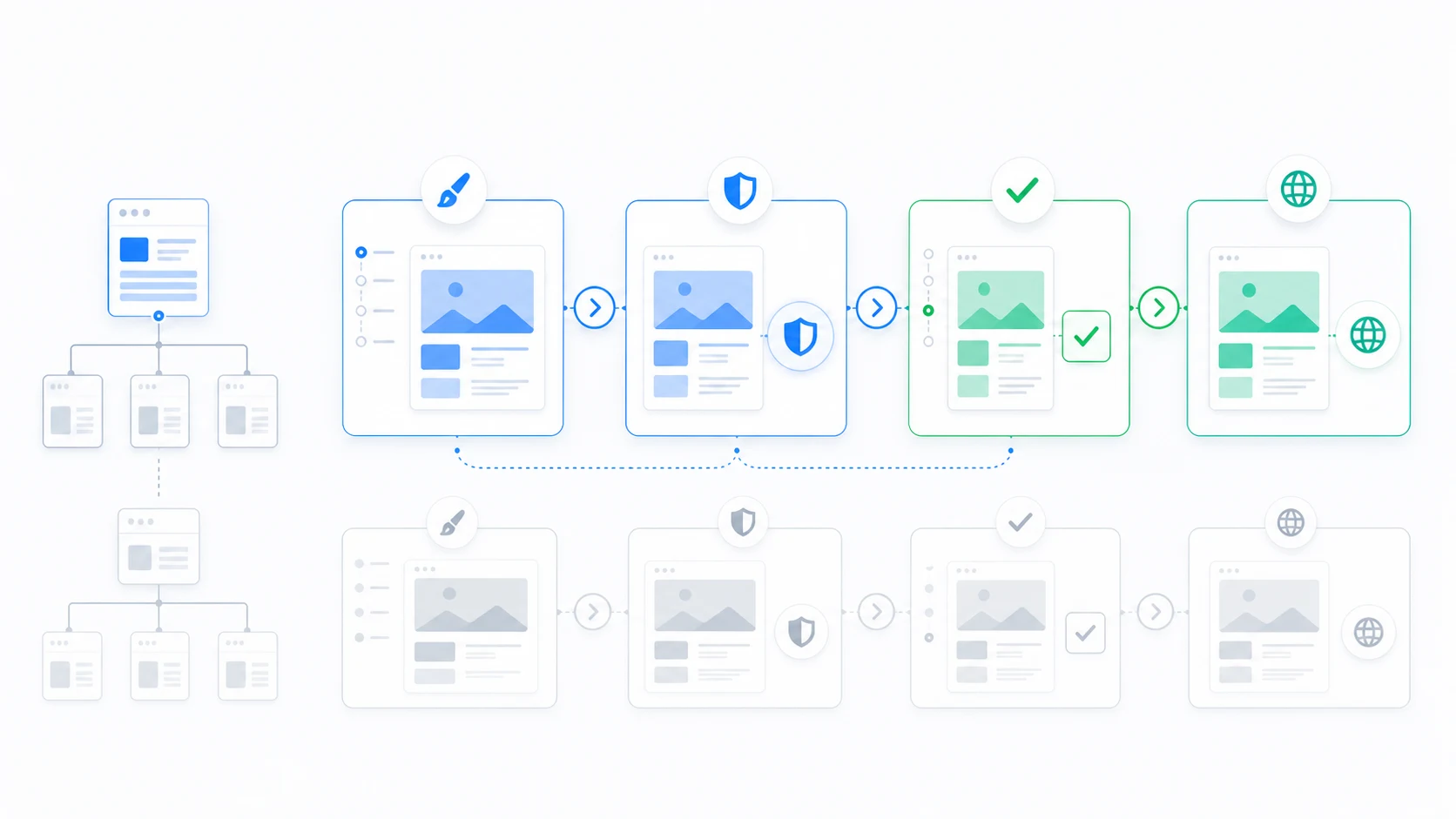
Client approval often fails because stakeholders review isolated mockups, then see production content and edge cases for the first time near launch. A route-specific workflow moves review closer to the actual WordPress experience without turning approval into an unstructured tour of the whole site.
Define what is being approved
Each review should name the route or template family, the destination theme version, the content examples, the supported devices, and the decisions the reviewer is expected to make. “Approve the redesign” is too broad to be actionable.
Give clients a private route-level review
ThemeRouter Private Theme Preview lets an authorized reviewer inspect the destination theme on selected content while ordinary visitors continue seeing the current routing result.
Use representative content
- A typical item that shows the intended layout.
- A long or media-heavy item that tests stress conditions.
- An empty, missing, private, or restricted state where relevant.
- A mobile view and an interactive workflow, not only a desktop screenshot.
Separate review stages
| Stage | Primary owner | Decision |
|---|---|---|
| Content and visual review | Client and design lead | Does the route communicate and present correctly? |
| Functional validation | Engineering and QA | Do interactions and integrations work? |
| Search and analytics review | SEO and measurement owners | Is rendered output and tracking correct? |
| Rollout approval | Business owner | Is the evidence sufficient for public assignment? |
Keep feedback route-specific
Collect feedback against the exact URL, viewport, state, and acceptance criterion. Resolve shared template issues before asking reviewers to inspect many more routes.
Close with a rollout record
Record approval, known limitations, assigned owner, public route, rollout time, monitoring window, and rollback trigger. This creates accountability without requiring a high-risk all-site launch.
ThemeRouter private previews require authorized WordPress users by default. They are not anonymous public share links; choose an access method that matches the client relationship and security requirements.
Migrate your WordPress theme one route at a time
Use ThemeRouter to preview an installed theme privately, enable selected routes when they are ready, and keep the active theme as the fallback elsewhere. Yearly plans include a 14-day free trial.
Leave a Reply