


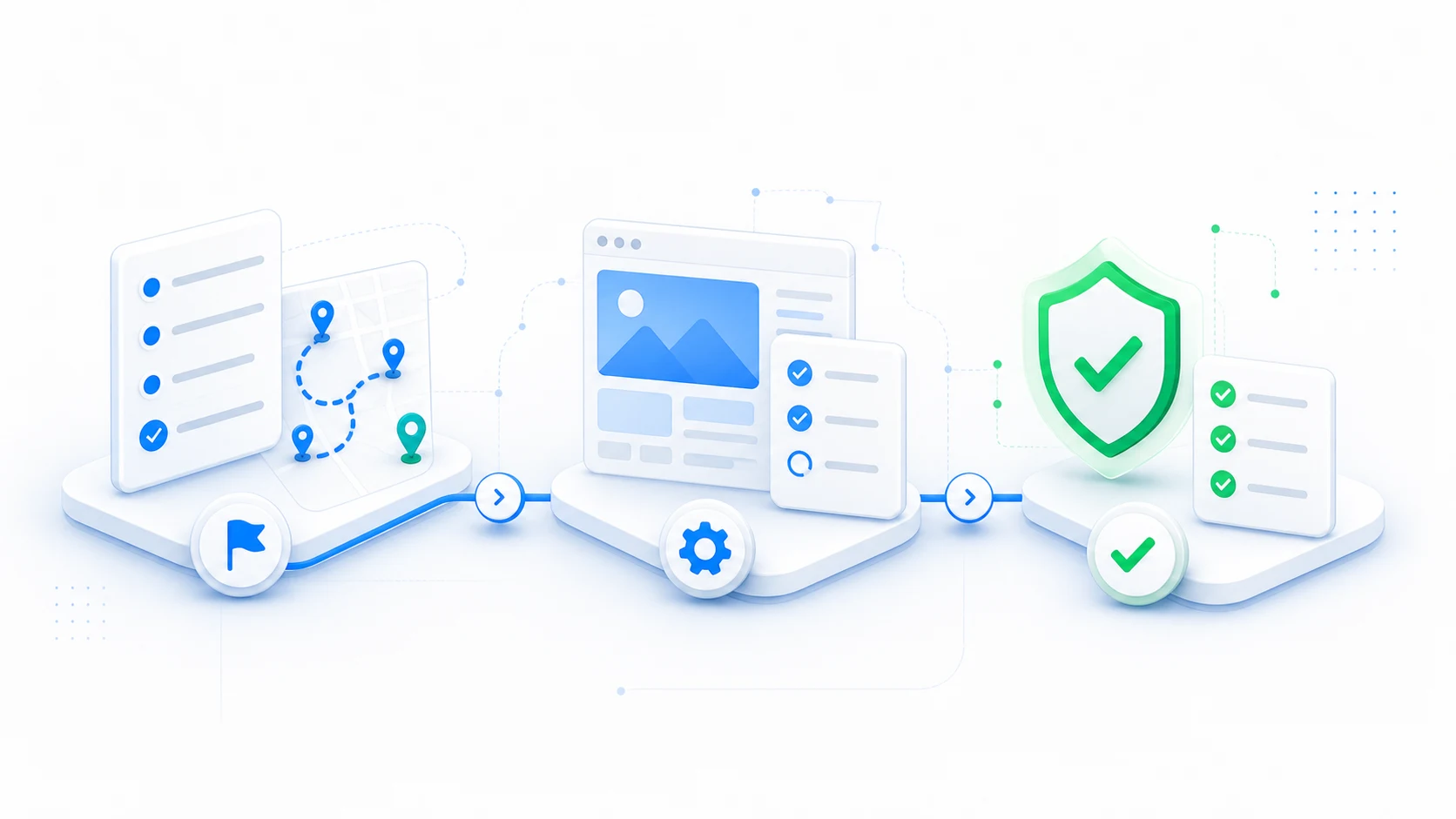
A theme migration changes more than design. It can change template hierarchy, markup, navigation, structured data, asset loading, editor behavior, and business-critical integrations. Use this checklist as an acceptance framework, then adapt it to the site.
Before migration
- Back up files and the database, and confirm restoration works.
- Inventory public URLs, post types, taxonomies, templates, and redirects.
- Export baseline analytics, conversions, search visibility, and performance.
- Document menus, widget areas, Customizer settings, templates, patterns, and theme options.
- Identify plugin output owned or styled by the current theme.
- Define the rollout order, approvers, maintenance window, and rollback owner.
Turn the checklist into a controlled rollout
ThemeRouter lets you prepare routes in draft, preview them privately, enable them when ready, and pause them back to the active-theme fallback when validation finds a problem.
Validate the destination theme
- Header, footer, search, 404, pagination, and archive templates.
- Representative short, long, media-heavy, empty, and protected content.
- Forms, ecommerce, accounts, memberships, consent, and analytics.
- Mobile layouts, keyboard access, focus visibility, contrast, and zoom.
- Title tags, canonical URLs, robots directives, schema, breadcrumbs, and headings.
- Core Web Vitals, asset weight, fonts, and third-party scripts.
During rollout
- Change one planned route or content family.
- Purge all relevant cache layers.
- Verify while logged out and in a private browser window.
- Run smoke tests on navigation, forms, search, and conversion paths.
- Record the assignment, time, approver, evidence, and observed issues.
- Roll back immediately when a predefined stop condition is met.
After each rollout
- Check crawlability, status codes, canonicals, and unexpected noindex output.
- Compare performance and error monitoring to the baseline.
- Review conversion and engagement data with enough context to avoid false conclusions.
- Capture editor and support feedback.
- Fix the shared cause before expanding to related routes.
Final consolidation
When the destination theme covers the intended site, remove obsolete routing rules, unused theme configuration, temporary debug settings, stale assets, and transitional redirects. Keep the old theme available until final verification and backup retention requirements are satisfied.
A checklist does not replace route-specific acceptance criteria. Checkout, memberships, multilingual content, multisite, and custom application flows need additional testing.
Migrate your WordPress theme one route at a time
Use ThemeRouter to preview an installed theme privately, enable selected routes when they are ready, and keep the active theme as the fallback elsewhere. Yearly plans include a 14-day free trial.
Leave a Reply