


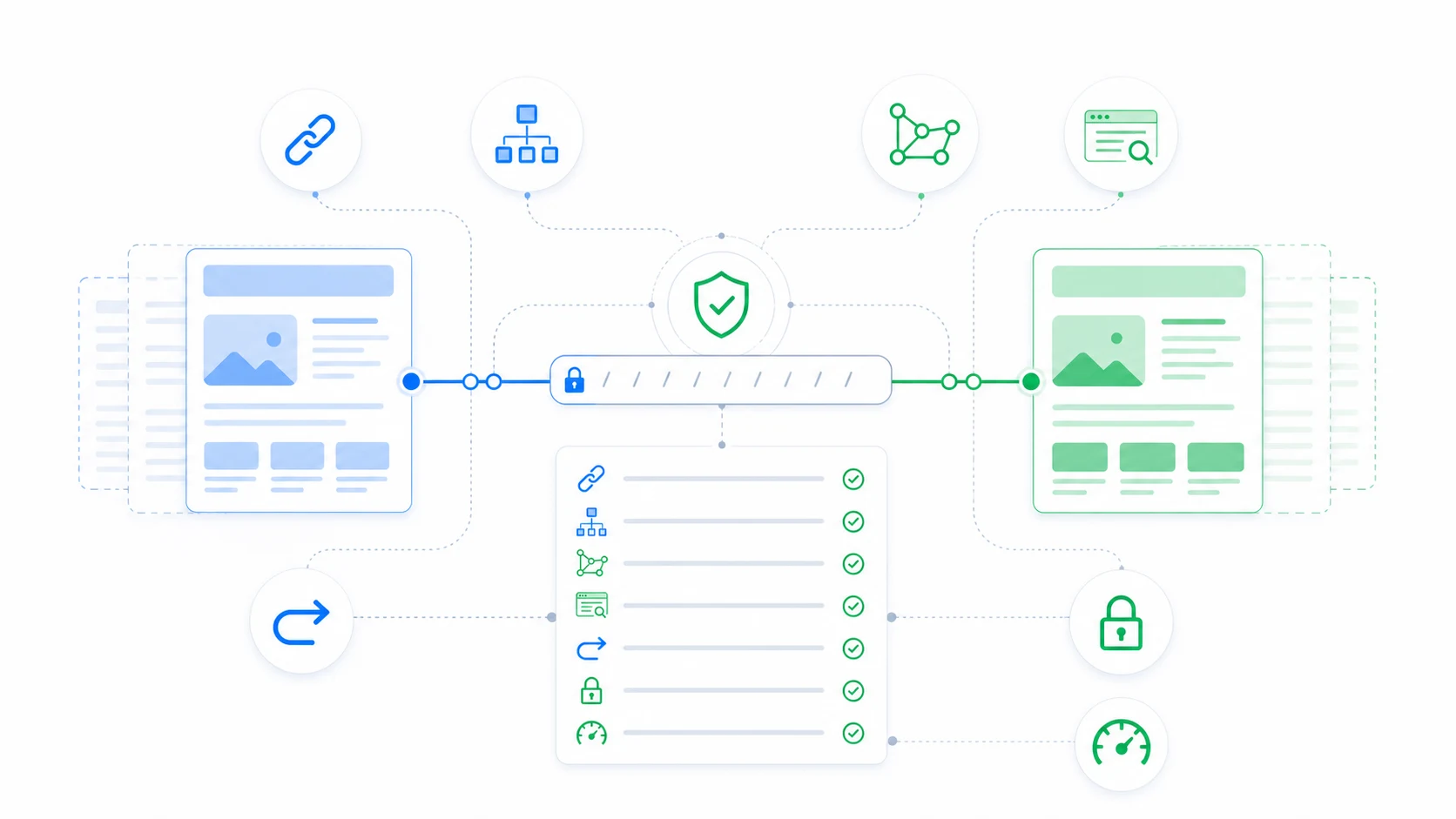
A theme migration can affect organic search even when URLs and content stay the same. Themes influence rendered headings, structured data, canonical tags, breadcrumbs, internal linking, pagination, image handling, and performance.
Capture the baseline
- Export important indexable URLs and their status codes.
- Record title tags, meta descriptions, canonicals, robots directives, headings, and schema.
- Identify top organic landing pages and their internal links.
- Record search performance and Core Web Vitals for representative templates.
Connect SEO validation to each rollout step
ThemeRouter lets you migrate selected routes while the active theme remains the fallback elsewhere. That gives your team a smaller set of URLs to validate for metadata, schema, analytics, accessibility, and performance.
Compare rendered output
Do not compare only editor fields. Fetch the final HTML for the current and destination themes. Confirm that SEO plugin output remains present, visible page content matches structured data, and no theme template adds conflicting metadata.
Check every template family
- Home, pages, posts, custom post types, categories, tags, custom taxonomies, search, and 404.
- Paginated archives, feeds, author/date archives if enabled, and filtered ecommerce URLs.
- Mobile and desktop navigation, breadcrumbs, related content, and footer links.
Monitor after assignment
After a route moves, inspect status codes, canonical output, robots directives, structured data validation, server errors, and performance. Watch search data over an appropriate period, but do not attribute every short-term fluctuation to the theme without supporting evidence.
Keep rollback SEO-safe
Removing a theme assignment should not change URLs. If the migration also changes slugs or architecture, manage those redirects separately and preserve the canonical relationship regardless of which theme renders the route.
ThemeRouter Preview Mode is private and does not expose the destination theme to search engines. Persistent assignments are public and can change rendered SEO output.
Migrate your WordPress theme one route at a time
Use ThemeRouter to preview an installed theme privately, enable selected routes when they are ready, and keep the active theme as the fallback elsewhere. Yearly plans include a 14-day free trial.
Leave a Reply