

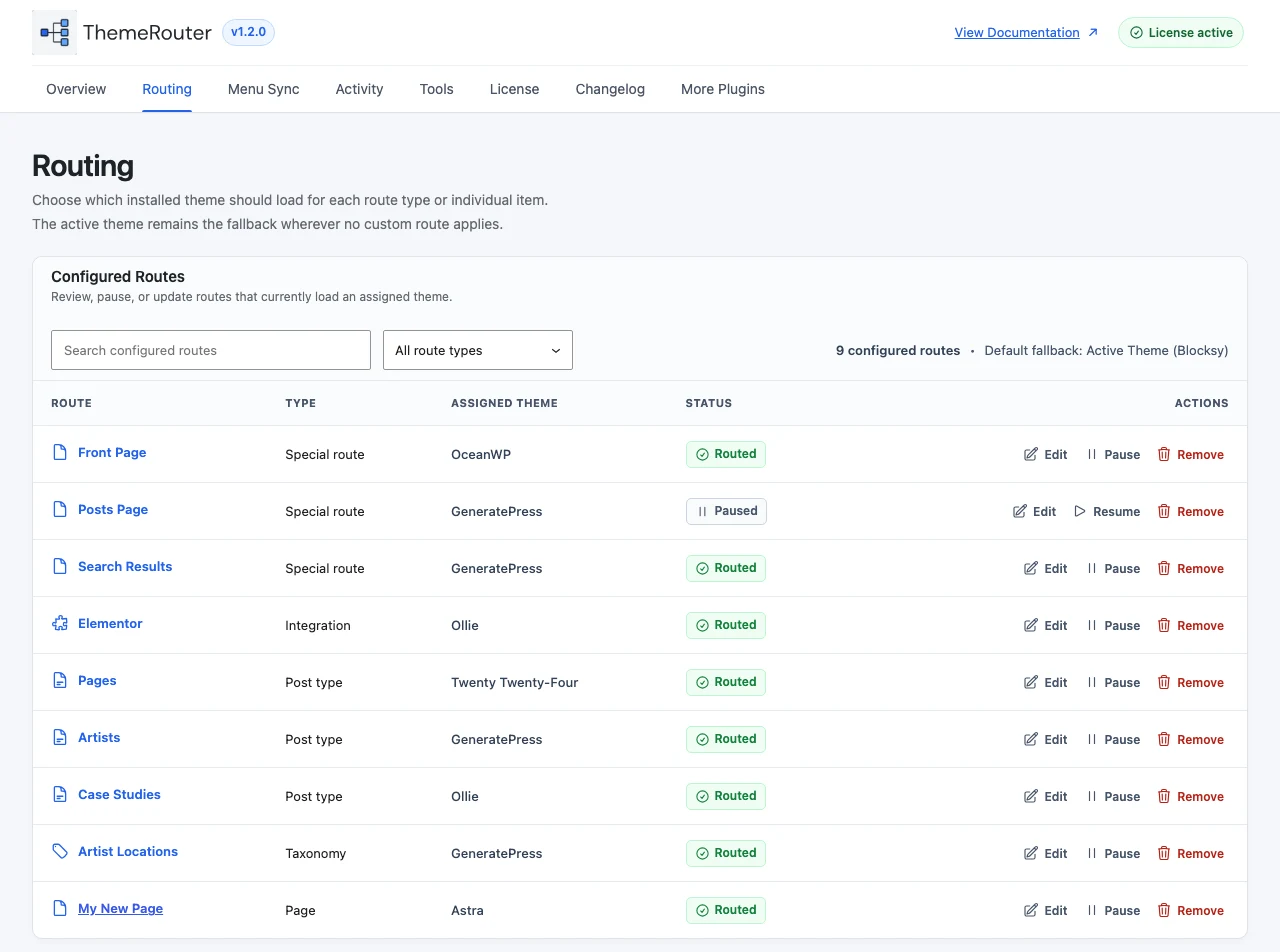
An individual assignment is the smallest persistent rollout unit. It overrides broader post type or taxonomy rules for that resource, which makes it useful for controlled migrations and isolated landing pages.
Assign from the block editor
- Open the post or page in the block editor.
- Open the ThemeRouter document settings panel.
- Choose an installed theme.
- Update or publish the content to save the assignment.
- Open the public URL in a logged-out browser and verify the result.
Assign from the classic editor
Use the ThemeRouter Settings metabox on the edit screen, choose the installed theme, and update the post. Assignment controls are restricted to administrators.
Remove the assignment
Change the selection to Use Active Theme or the equivalent unassigned option, save the post, and purge page caches. The request will then fall back to the next matching rule.
Routing priority: individual post or page assignments take precedence over post type or taxonomy assignments. Removing an individual assignment may reveal a broader rule rather than the globally active theme.
Check the full decision order
Review routing priority before combining individual and global rules.