

Global assignments let one installed theme handle a defined content area while the rest of the site keeps its current theme. Common examples include blog posts, products, case studies, or category archives.
Assign a post type
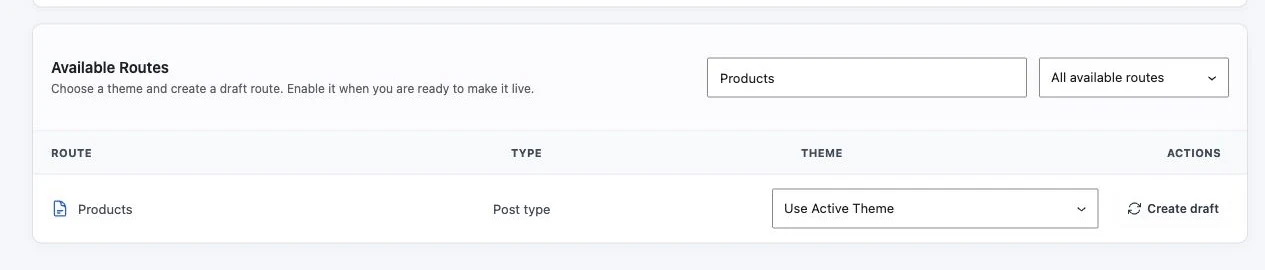
- Go to Settings > ThemeRouter.
- Find the post type assignment controls.
- Choose an installed theme for the required post type.
- Save the settings.
- Test a representative single URL and the post type archive, when the post type has one.
Assign a taxonomy archive
- Find the taxonomy assignment controls in ThemeRouter settings.
- Choose an installed theme for the required taxonomy.
- Save the settings and purge caches.
- Test multiple term archives, including empty, paginated, and nested terms where applicable.
Validate before expanding
A global rule has a wider blast radius than an individual assignment. Check template availability, navigation, archive pagination, search behavior, canonical URLs, and plugin integrations across several representative URLs.
Plan the rollout sequence
Use a written migration plan to decide which content area should move first.