
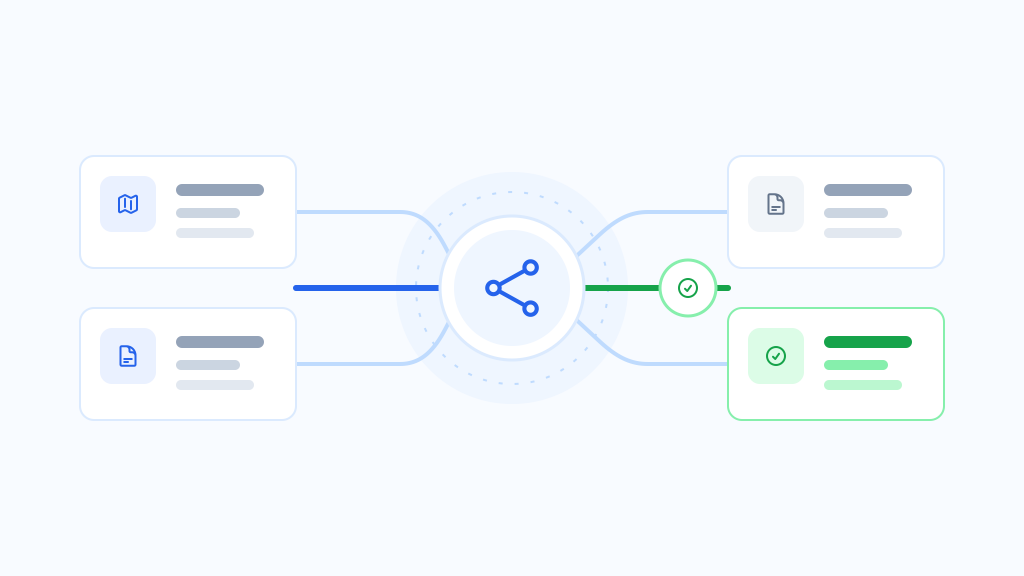

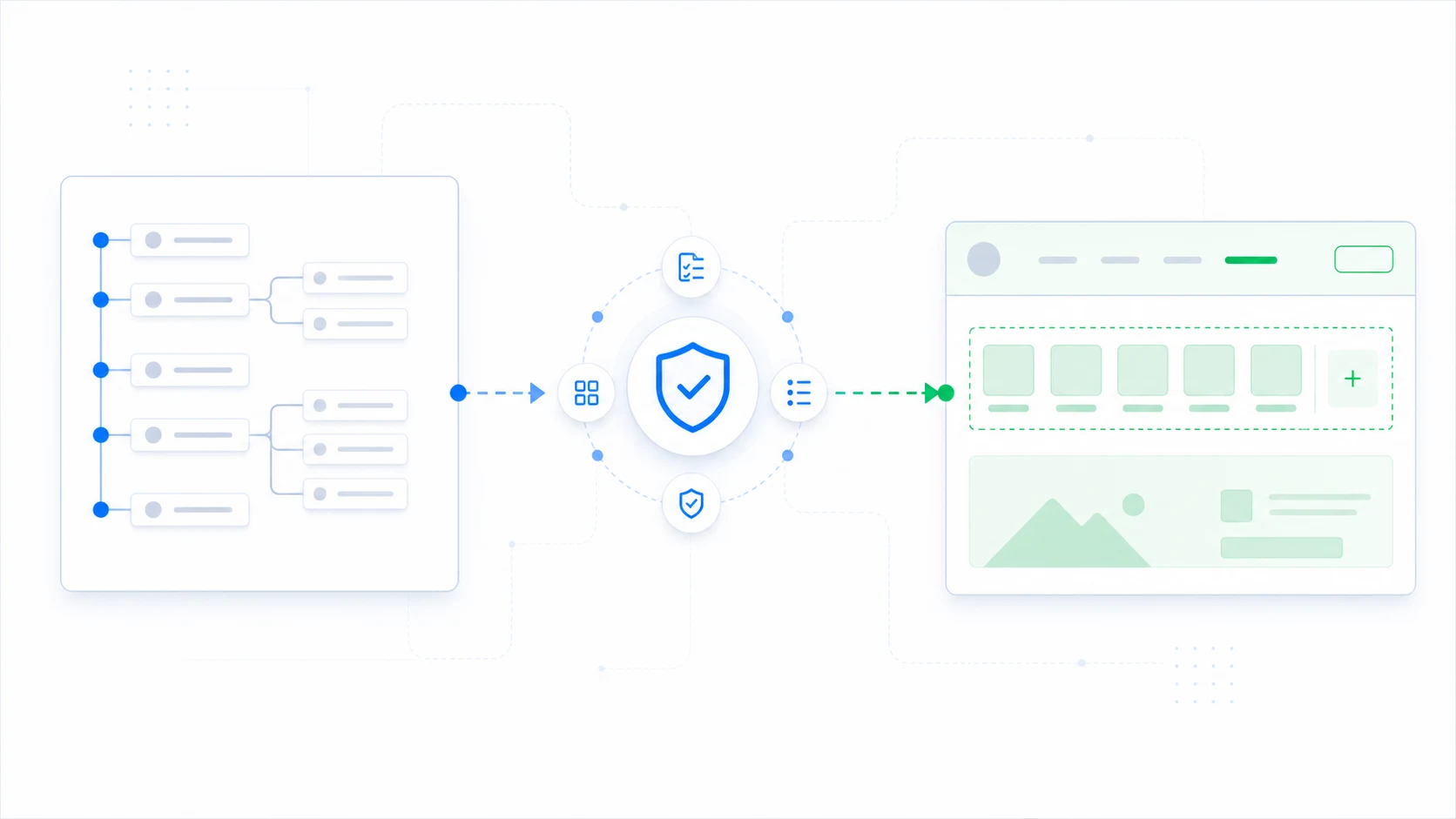
Classic themes and block themes can store and render navigation differently. Treat the move from a classic menu to block navigation as its own migration task: identify the source and destination, run compatibility checks, copy deliberately, and review the result in the destination theme.
Why navigation needs a separate plan
A theme can be ready for one content route while its navigation is not. Classic themes commonly use menu locations and classic menu records. Block themes can use Navigation blocks and navigation entities inside templates or template parts.
That difference matters during a mixed-theme period. The classic theme and block theme may need related navigation content while rendering it through different theme structures.
How ThemeRouter supports the navigation handoff
ThemeRouter Menu Sync helps you review the source classic menu, destination block navigation, and compatibility conditions before copying menu changes into the new theme workflow.
Prepare the source and destination
- Choose one classic menu as the authoritative source for the operation.
- Identify the destination block navigation used by the target theme.
- Record menu locations, template parts, and responsive menu behavior in both themes.
- Review custom links, hierarchy, labels, descriptions, and plugin-provided menu items.
- Capture the previous destination state so the change can be reviewed or restored manually.
Run preflight checks before copying
ThemeRouter Menu Sync provides source, destination, and compatibility feedback before the migration step. Resolve missing destinations or unsupported menu-item conditions before applying changes.
Menu Sync is not a bidirectional merge. Do not edit the classic source and block destination independently and expect both structures to be reconciled automatically.
Review the migrated navigation
- Link labels and URLs match the approved source.
- Parent and child relationships remain understandable.
- Current-page states and keyboard focus are visible.
- Desktop and mobile navigation controls are usable.
- Logged-in, commerce, language, or role-dependent links behave as expected.
- The destination navigation is present in the correct block-theme template part.
- Caching is cleared before logged-out verification.
Coordinate navigation with route rollout
Decide whether a route can go live with shared navigation or whether the destination theme needs its block navigation first. Test links that cross between current-theme and destination-theme routes so visitors do not encounter missing or inconsistent journeys.
When the classic menu changes later, treat another sync as a reviewed operation. Confirm the source and destination again, inspect the resulting block navigation, and record the change.
What Menu Sync does not migrate
- Block-theme templates or template parts.
- Global Styles and theme design tokens.
- Widget areas or Customizer settings.
- Theme files, plugins, content, or uploads.
- Navigation behavior implemented only in custom theme code.
Migrate your WordPress theme one route at a time
Use ThemeRouter to preview an installed theme privately, enable selected routes when they are ready, and keep the active theme as the fallback elsewhere. Yearly plans include a 14-day free trial.
Leave a Reply