

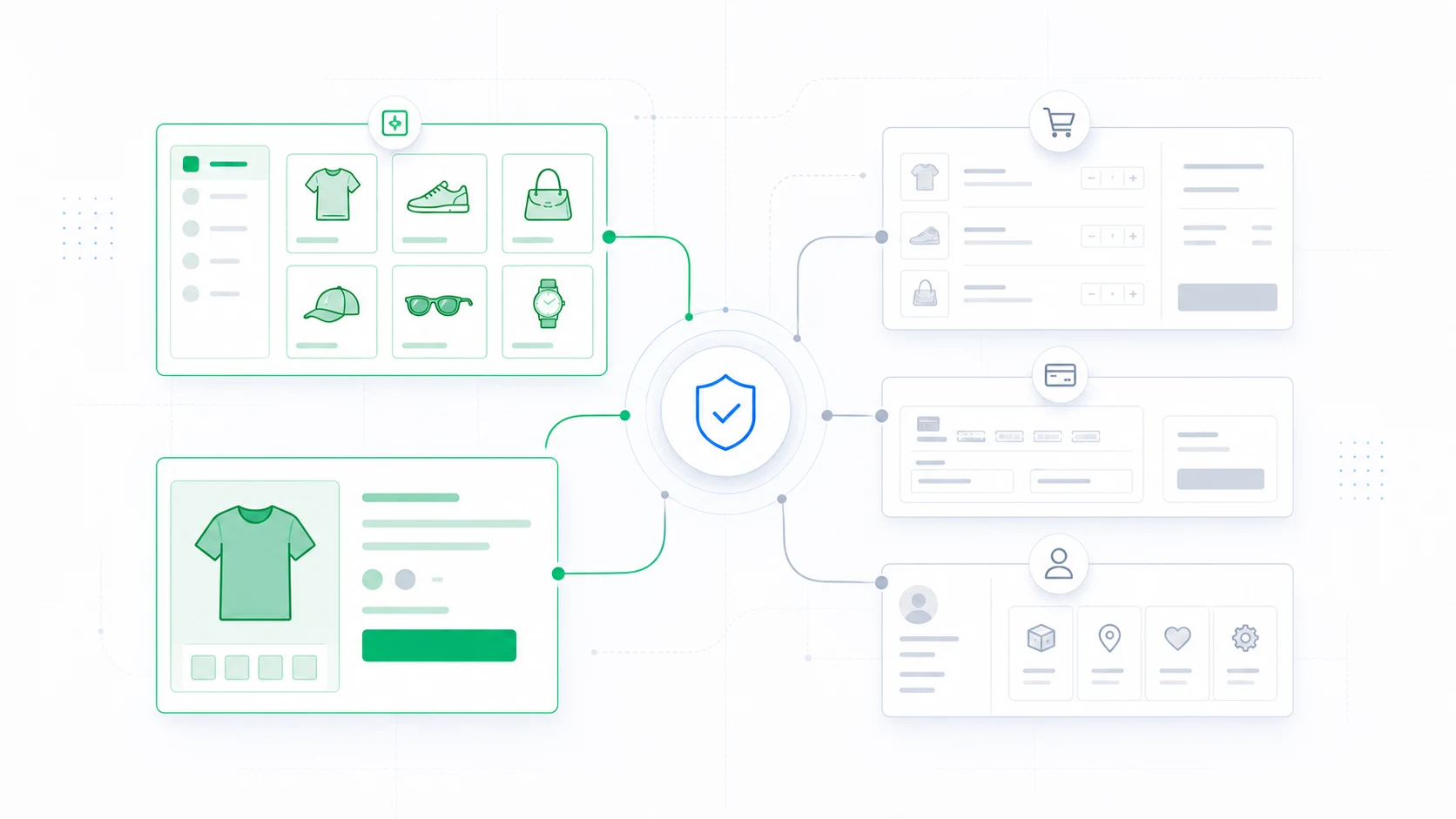
A WooCommerce theme change can affect checkout even when products, orders, and payment settings stay in place. Templates, styles, scripts, and theme-specific customizations shape the interface customers use to pay. A working product page is not evidence that the complete purchase journey works.
Treat checkout as its own release unit. Before changing its theme, identify the current checkout implementation, the extensions it depends on, and the evidence needed to approve the new experience.
Separate a theme change from a checkout implementation change
Check whether the cart and checkout use blocks or the classic shortcode experience. Changing the theme and changing the checkout implementation together adds another variable to troubleshooting.
WooCommerce documents that extensions need appropriate compatibility with Cart and Checkout blocks. An incompatible gateway may not appear as a payment option. Customizations built around classic checkout hooks may also need integration work. Review the official Cart and Checkout guide against the extensions your store actually uses.
Do not assume a block theme requires you to redesign and replace every checkout component in the same release. Decide each change deliberately, then test the supported combination.
Inspect what the old theme contributes
List theme template overrides, checkout styling, scripts, custom fields, notices, and any business logic living in theme code. Identify which pieces are still required and where they will live in the destination setup.
A missing visual style and missing tax logic are very different failures. Separate presentation changes from functional dependencies so the team knows which developer or extension owner must resolve each issue.
For block-based checkout, prefer supported styling interfaces. WooCommerce’s checkout theming guidance cautions against depending on private internal HTML structure that may change.
Build a checkout test matrix
Use staging with the gateway’s appropriate test mode. Cover guest and returning-customer journeys, required address fields, available shipping choices, discounts, taxes, payment methods, and mobile interaction. Include subscriptions, memberships, deposits, or custom fields if your store uses them.
Test both success and failure paths. A declined payment should leave an understandable error and a way to retry. Required-field errors should be visible and accessible. A successful order should produce the correct order state and confirmation experience.
WooCommerce recommends staging for test orders. Test activity can trigger emails and other integrations, so control fulfilment, notifications, and external services in the test environment.
Check the journey beyond the checkout page
Follow the shopper from a product page through add-to-cart, cart edits, checkout, confirmation, and account access. Include relevant payment return and order-related routes. Do not assume assigning the main checkout page covers every endpoint in the journey.
Verify order totals and the measurement used by the business. Confirm purchase events are not missing or duplicated and that consent behavior remains correct. A successful payment alone does not prove analytics survived the theme change.
Check empty carts, unavailable products, and expired sessions where relevant. These states often reveal assumptions hidden by a single successful test order.
Use ThemeRouter to control scope, not certify compatibility
ThemeRouter can keep unmatched requests on the active theme while selected content moves to the destination theme. This supports a staged migration, but the team still needs to verify actual route resolution for commerce requests.
You might release a reviewed informational section first and leave transaction routes unchanged until their own testing is complete. Even then, test navigation into checkout: a new header or cart control can affect the journey before checkout itself changes.
The broader WooCommerce migration guide explains how to sequence those releases.
Prepare a rollback that respects live orders
Record the previous assignment and cache actions before launch. If a critical checkout regression appears, pause the affected routing change and verify the customer journey on the fallback.
Routing rollback does not reverse payments or restore order data. Avoid using an old database snapshot as a routine response to a frontend regression on an active store. Investigate affected orders separately and preserve legitimate transactions.
Release only when a named owner can monitor the result and respond. A visually complete checkout is ready for review; a functionally verified checkout is ready for a release decision.
Plan the storefront rollout before changing checkout
Use ThemeRouter to evaluate selective theme assignments while you validate the store’s checkout and extension dependencies on staging. Yearly plans include a 14-day free trial. Choose a plan and confirm the current terms before starting.
Leave a Reply