


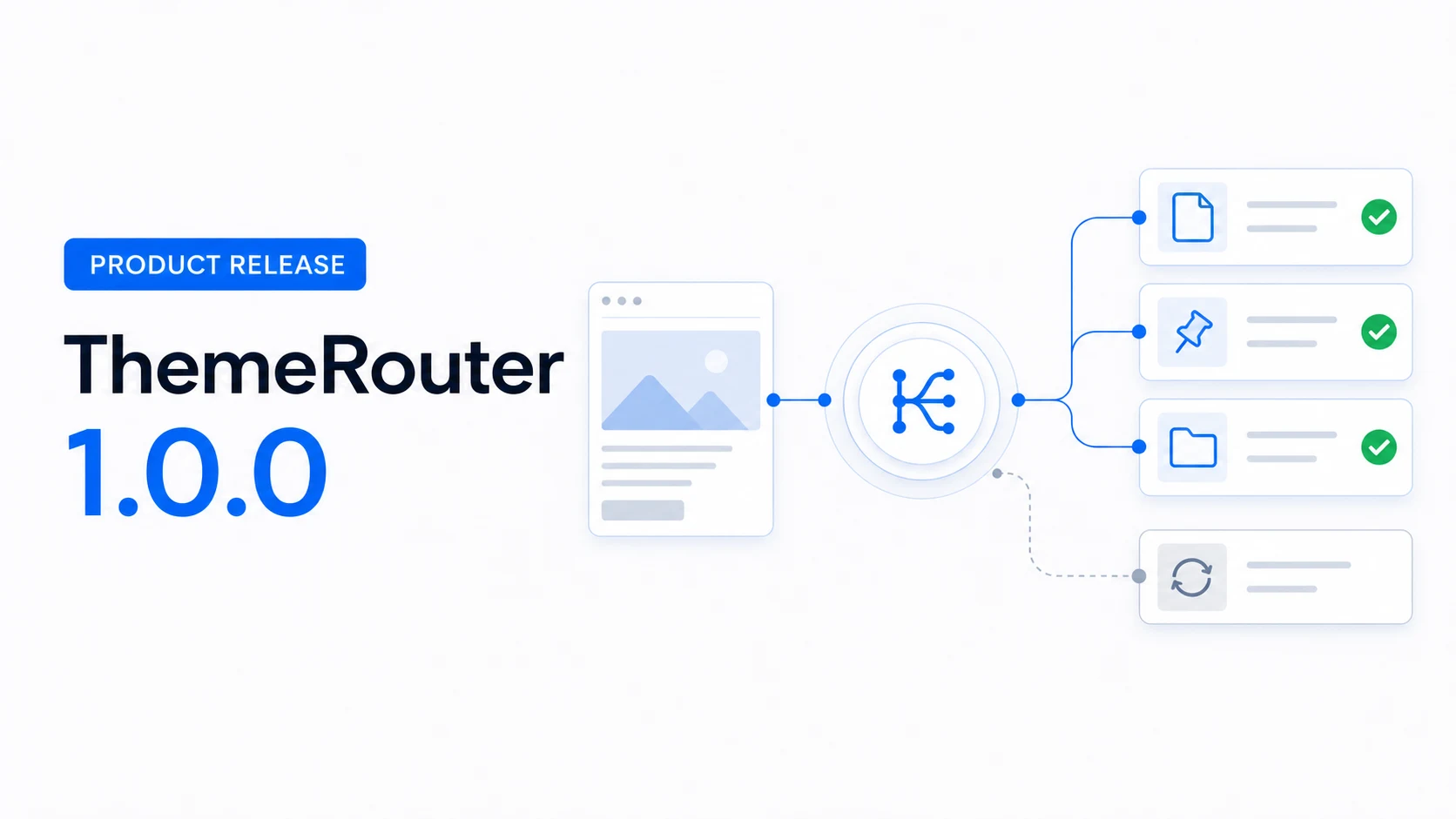
ThemeRouter is a WordPress plugin for controlled, gradual theme migration. Its first release introduced a different way to modernize a production site: route only the content that is ready for another installed theme, while unmatched requests continue through the active theme.
Why an all-at-once theme switch can be difficult
WordPress normally uses one active theme across the public site. Activating a replacement theme can change templates, template parts, navigation, widget areas, styles, scripts, metadata, and plugin integrations across many routes at once.
That model is straightforward when the destination theme is complete and the site is small enough to validate as one release. It becomes harder when a team is modernizing a large content library, an unfamiliar legacy build, or a business-critical area that cannot move on the same schedule as the rest of the site.
What shipped in ThemeRouter 1.0.0
The initial release established the product foundation for selective theme delivery and private review.
- Private theme preview for authorized WordPress users.
- Theme assignments for individual posts and pages.
- Theme assignments for post types and taxonomy archives.
- Controls in both the classic editor and block editor.
- A React settings screen backed by WordPress REST endpoints.
- Active-theme fallback for requests without a matching assignment.
The migration workflow
The practical goal is not to keep several themes forever. It is to reduce the scope of each migration step until the destination theme can take over deliberately.
- Install the destination theme without activating it across the whole site.
- Preview representative content privately.
- Choose the smallest complete content area that is ready to move.
- Assign that route to the destination theme.
- Validate the public result, including navigation, SEO output, accessibility, forms, analytics, caching, and integrations.
- Expand to another route only after the current one meets its acceptance criteria.
ThemeRouter changes the theme-routing decision. It does not automatically migrate content, templates, menus, theme options, or third-party configuration. Those dependencies still need an owner and a validation plan.
Who the first release was built for
ThemeRouter is most useful when the cost of changing everything at once is higher than the cost of managing a temporary mixed-theme migration.
- Agencies delivering redesigns in reviewable stages.
- Technical teams modernizing an unfamiliar classic or legacy theme.
- Enterprise site owners coordinating content, engineering, SEO, and stakeholder approval.
- WooCommerce teams that need to separate ready storefront areas from routes that require more testing.
- Publishers moving one content family or archive structure at a time.
What controlled migration changes
A global theme activation creates one large release boundary. Route-based migration creates several smaller boundaries. That does not remove risk, but it makes ownership, review, fallback, and staged investment easier to plan around a defined content area.
If a route is paused or removed, that request returns to the active-theme fallback. This reverses the routing decision; it does not undo content or configuration changes made elsewhere.
See the route-by-route workflow
Learn how private preview, route assignment, validation, and active-theme fallback fit together.
Leave a Reply