


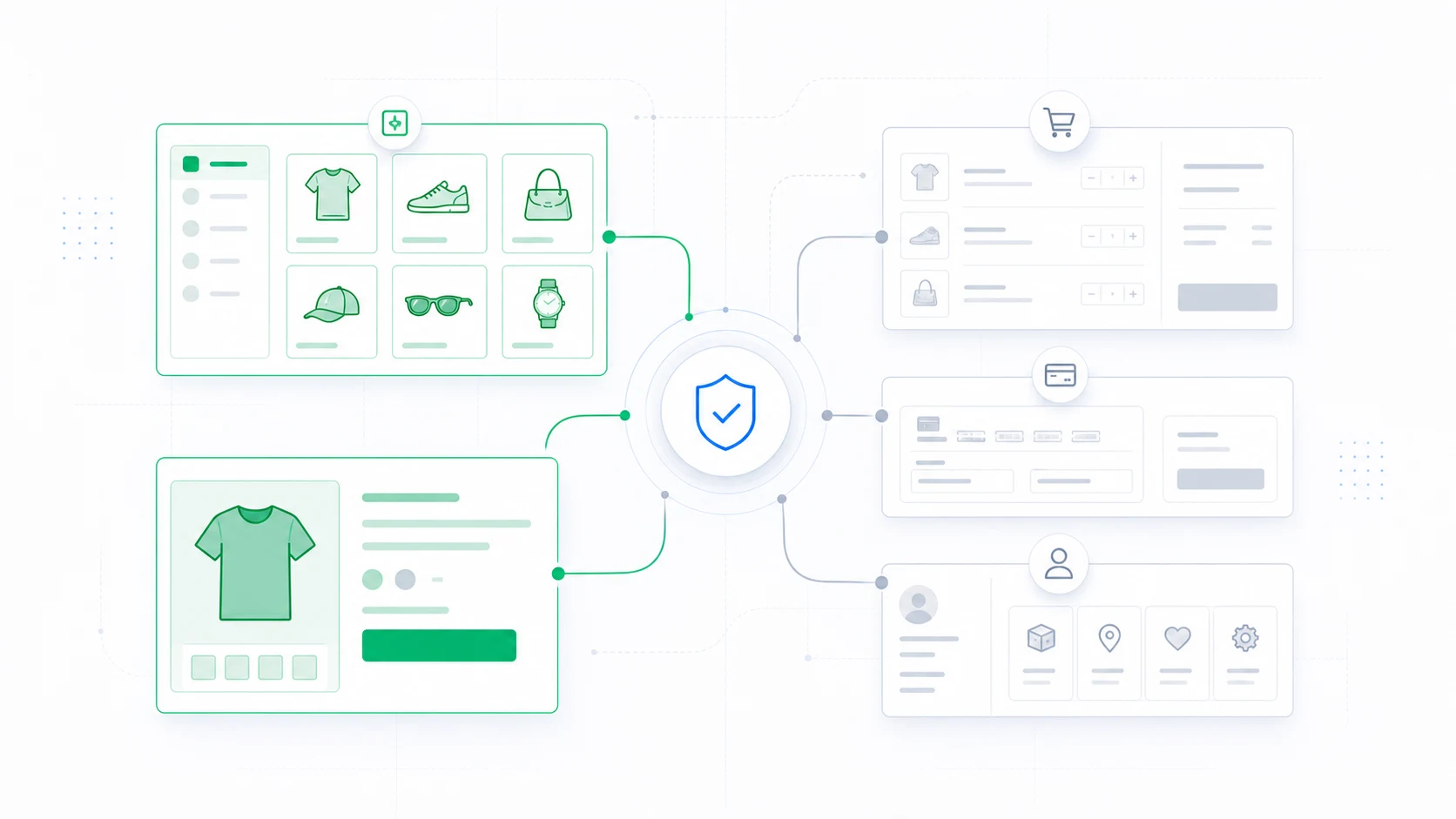
A WooCommerce theme migration changes the interface around product discovery, purchase decisions, checkout, and account management. An all-at-once activation combines design risk, extension compatibility risk, and revenue risk into one event.
Start with product discovery, not checkout
Product pages and category archives are still important, but they are easier to validate and roll back than payment and account endpoints. Begin with representative product types and keep cart, checkout, and account routes on the current theme until the destination experience is proven.
Reduce the scope of each storefront change
ThemeRouter can apply the destination theme to selected routes while unmatched requests continue through the active theme. Use that smaller rollout unit to validate catalog, account, cart, checkout, payment, and cache behavior deliberately.
Build a representative test matrix
- Simple, variable, grouped, external, sale, and out-of-stock products.
- Products with long descriptions, galleries, video, reviews, and custom fields.
- Category archives with filters, sorting, pagination, and no results.
- Guest and logged-in customer sessions on mobile and desktop.
- Every payment, shipping, tax, subscription, membership, and checkout extension in use.
Protect measurement
Confirm that analytics, consent, ad pixels, product-view events, add-to-cart events, checkout steps, purchases, and order values still fire once and with the correct data. A design can look correct while silently breaking measurement.
Move transactional routes last
Cart, checkout, account, order confirmation, subscription, and membership endpoints should move only after functional testing, security review, payment-mode testing, and business approval. Plan a low-traffic window and a named rollback owner.
Rollback without ambiguity
Record the previous assignment and all relevant cache layers before rollout. If conversion errors, payment failures, or account regressions appear, remove the assignment, purge caches, and verify the complete customer path on the previous theme.
ThemeRouter selects the theme for a request. WooCommerce and extension compatibility remains the responsibility of the destination theme and project team.
Migrate your WordPress theme one route at a time
Use ThemeRouter to preview an installed theme privately, enable selected routes when they are ready, and keep the active theme as the fallback elsewhere. Yearly plans include a 14-day free trial.
Leave a Reply