


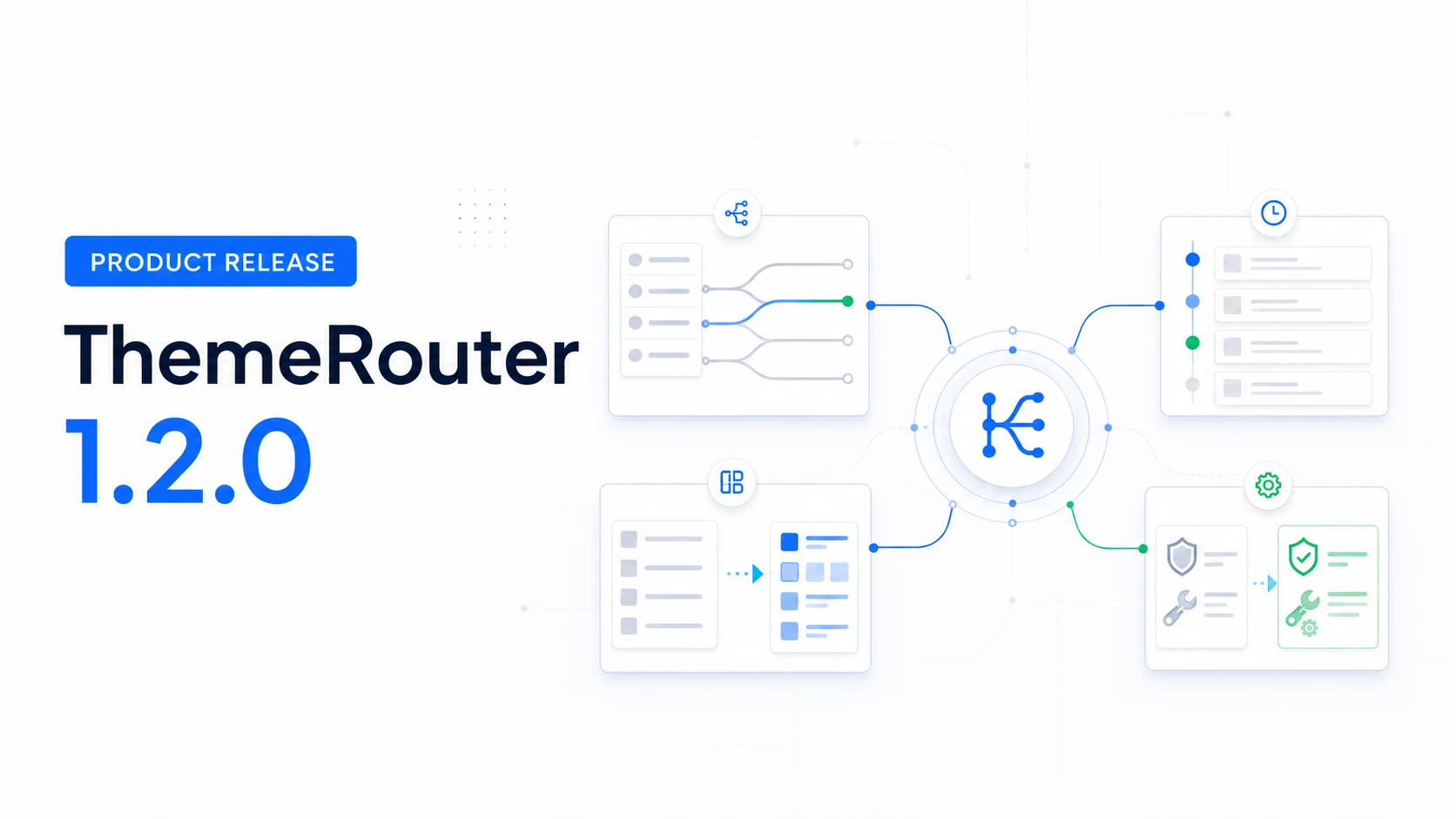
ThemeRouter 1.2.0 organizes controlled theme migration around four practical work areas: Routing, Activity, Menu Sync, and Tools. It also makes route priority, configuration health, and operational checks easier to understand before a team expands a rollout.
A settings workspace built around the migration workflow
The redesigned workspace places the tasks teams repeat during a gradual migration into distinct tabs under Settings → ThemeRouter.
- Routing: search assignments, review configuration health, and identify missing-theme safeguards.
- Activity: inspect bounded routing history and export relevant records as CSV.
- Menu Sync: review source, destination, compatibility, and migration feedback.
- Tools: inspect diagnostics, import or export configuration, clear caches, and use guarded reset controls.
A documented route-priority model
When more than one rule could match a request, ThemeRouter uses a defined priority. Version 1.2.0 standardizes that order so teams can reason about the result before enabling a route.
- Individual content assignment.
- Supported integration context.
- Special WordPress context.
- Post type or taxonomy assignment.
- Active-theme fallback.
The most specific supported assignment wins. Requests without a matching assignment continue through the active theme.
Activity history with bounded storage
Routing activity is designed as an operational aid, not a replacement for analytics or observability platforms. Version 1.2.0 adds privacy-aware, bounded history, append-only storage, pagination, and CSV export controls.
Use Activity to investigate which configured route was involved in a request. Continue to use the site’s existing analytics, logging, performance, SEO, and business systems for acceptance decisions.
Performance and larger-site administration
- Lazy route loading reduces unnecessary settings-page work.
- Request-local settings caching limits repeated reads during one request.
- Versioned early-route object caching supports early route resolution.
- Bounded, paginated route queries make large assignment sets easier to administer.
Menu Sync and configuration tools
Menu Sync now gives clearer feedback about classic-menu sources, block-navigation destinations, compatibility, and migration state. The Tools area adds diagnostics and ThemeRouter configuration import and export for moving a reviewed setup between environments.
Configuration transfer is not a site migration. It does not copy WordPress content, installed themes, uploads, templates, or third-party settings. Verify that destination themes and dependencies exist before enabling imported routes.
Elementor editing safeguards
Version 1.2.0 adds route status and compatibility-aware document previews for Elementor workflows. It also preserves Elementor Safe Mode and keeps editor previews isolated when a public route uses another theme.
Request isolation
ThemeRouter’s frontend switching path is isolated from wp-admin, AJAX, REST, and cron requests. The release also prevents early bootstrap settings from loading ThemeRouter translations before WordPress initialization.
What to verify after upgrading
- Confirm the expected result for overlapping assignments using the documented priority order.
- Review configuration health and resolve routes that reference unavailable themes.
- Check Activity retention and CSV handling against the site’s privacy and operations policy.
- Run Menu Sync only after confirming its source and destination.
- Import settings into a controlled environment first, then verify themes and dependencies before enabling routes.
- Test Elementor editing and Safe Mode on representative routed content when Elementor is part of the site.
See the current migration workflow
Review how routing, preview, validation, and active-theme fallback work together.
Leave a Reply