

Administrators can open ThemeRouter at Settings > ThemeRouter. The settings screen controls global post type and taxonomy assignments, Preview Mode behavior, and diagnostic options.
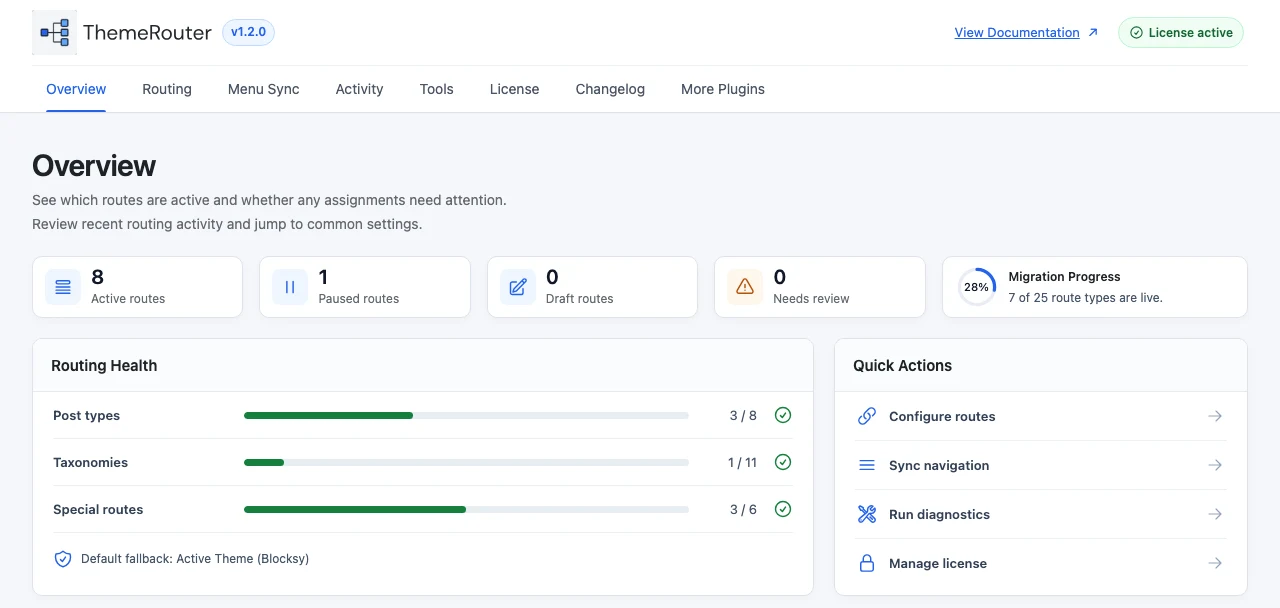
Settings at a glance
| Area | Purpose |
|---|---|
| Post types | Assign an installed theme to a post type or its archive where supported. |
| Taxonomies | Assign an installed theme to taxonomy archive requests. |
| Preview Mode | Allow authorized users to inspect another installed theme privately. |
| Caching | Cache routing decisions where appropriate for the site stack. |
| Logging | Record routing information for diagnosis. |
| Debugging | Show administrators the winning route decision on the frontend. |
Choose the correct operating mode
Preview Mode is private and temporary. Theme Set Mode creates a persistent assignment that affects visitors requesting the matched content. Use Preview Mode to validate; use Theme Set Mode only after approval.
Save settings safely
- Change one routing rule at a time.
- Save, then test the exact public URL in a logged-out browser.
- Purge page or edge caches after assignment changes.
- Keep a record of the previous value so the route can be reverted quickly.
Understand the two modes
Learn when to preview and when to create a visitor-facing assignment.